Digital QR menu for your bar or restaurant
Your menu, in their language, with no reprinting
They scan the QR and see your dishes, prices and allergens in their own language. You change it all from your phone. And it's free, no card needed.
Free forever, no card needed
What changes in your venue
Tourists who understand it
It opens by itself in the language of their phone: English, French, German and up to 28 languages.
See the multilingual menuAlways up to date, in one click
New price or a dish sold out: change it from your phone and your customers see it straight away.
See how it's changedAll your menus
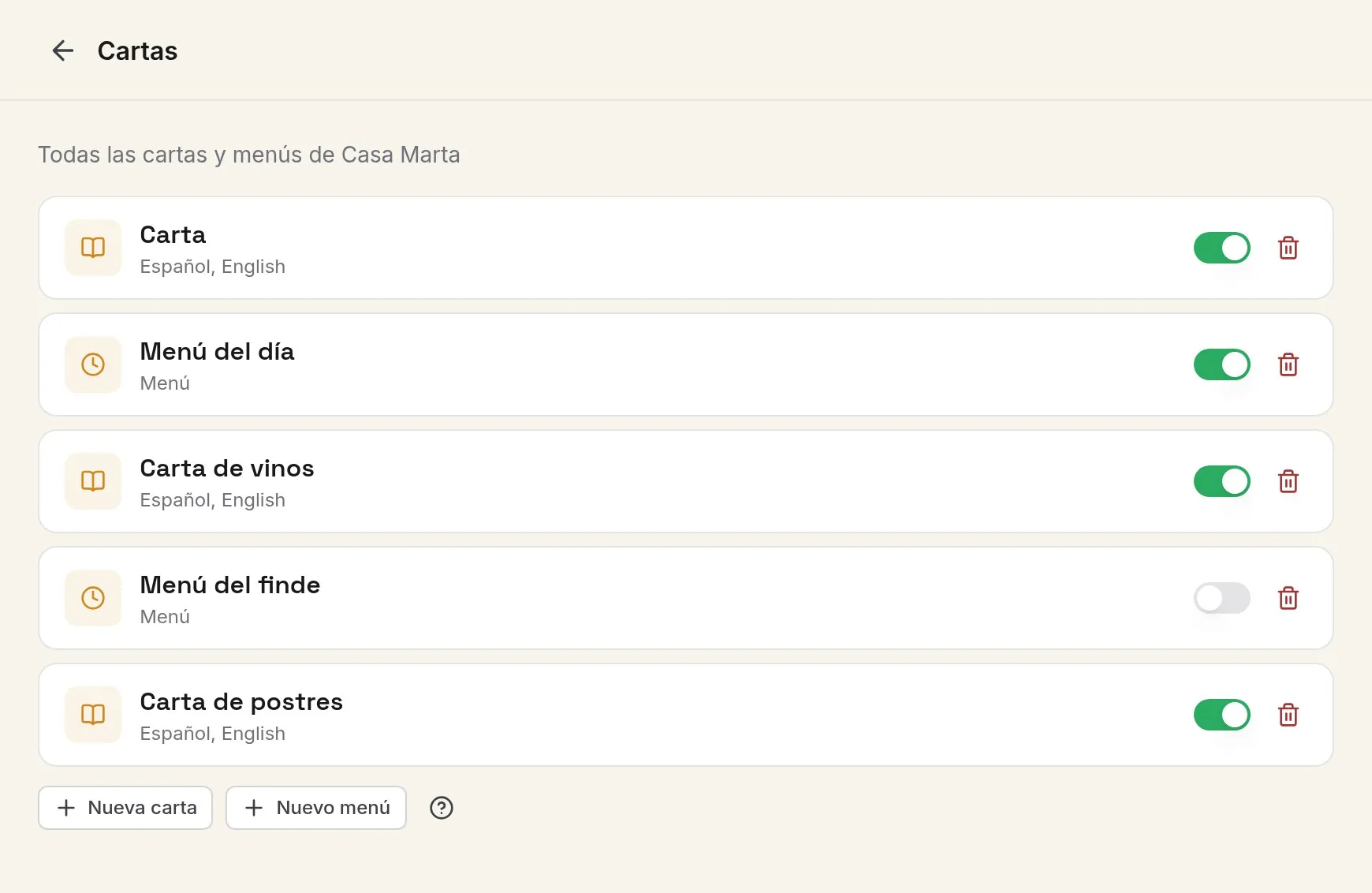
Set lunch menu, weekend menu, wine list, desserts... Each one with its own button.
See the daily menuAllergens, no guesswork
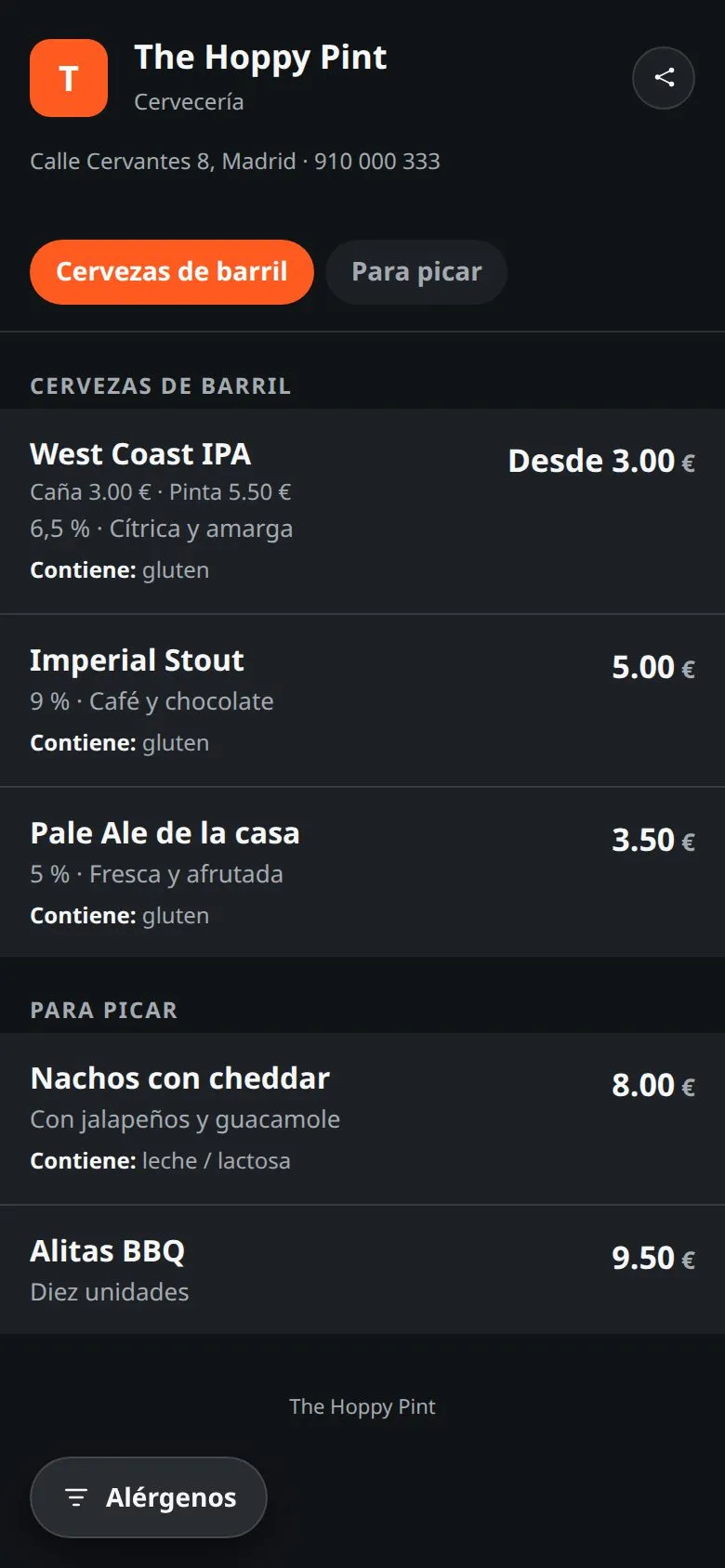
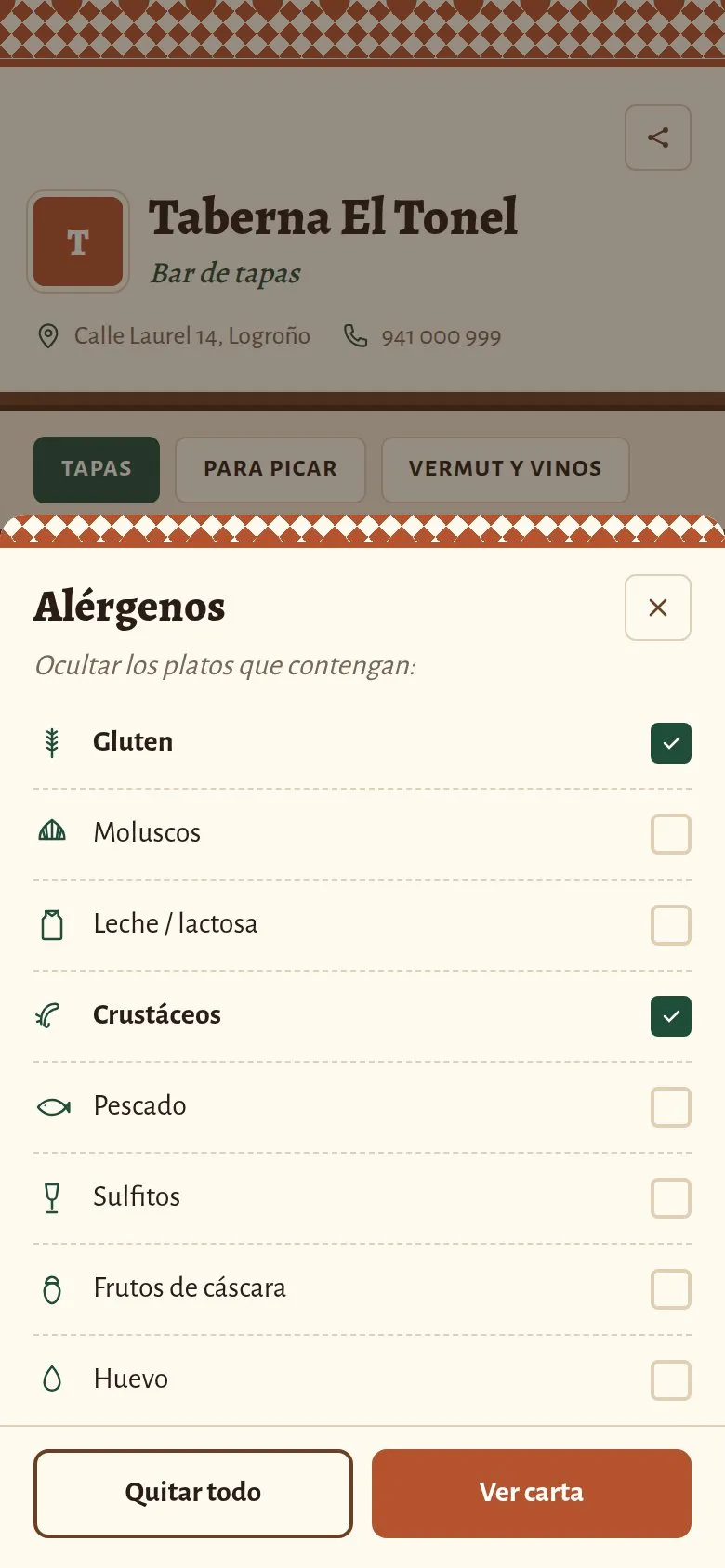
All 14 on every dish, in writing, and a filter for anyone who can't have them.
See allergens and dietsA QR that never expires
Print it once and it works for good, even if you change dishes, prices or design.
See the QR codeYour website, included
The same menu is your website: one link for Google, Instagram and WhatsApp.
See your websiteA menu that explains itself
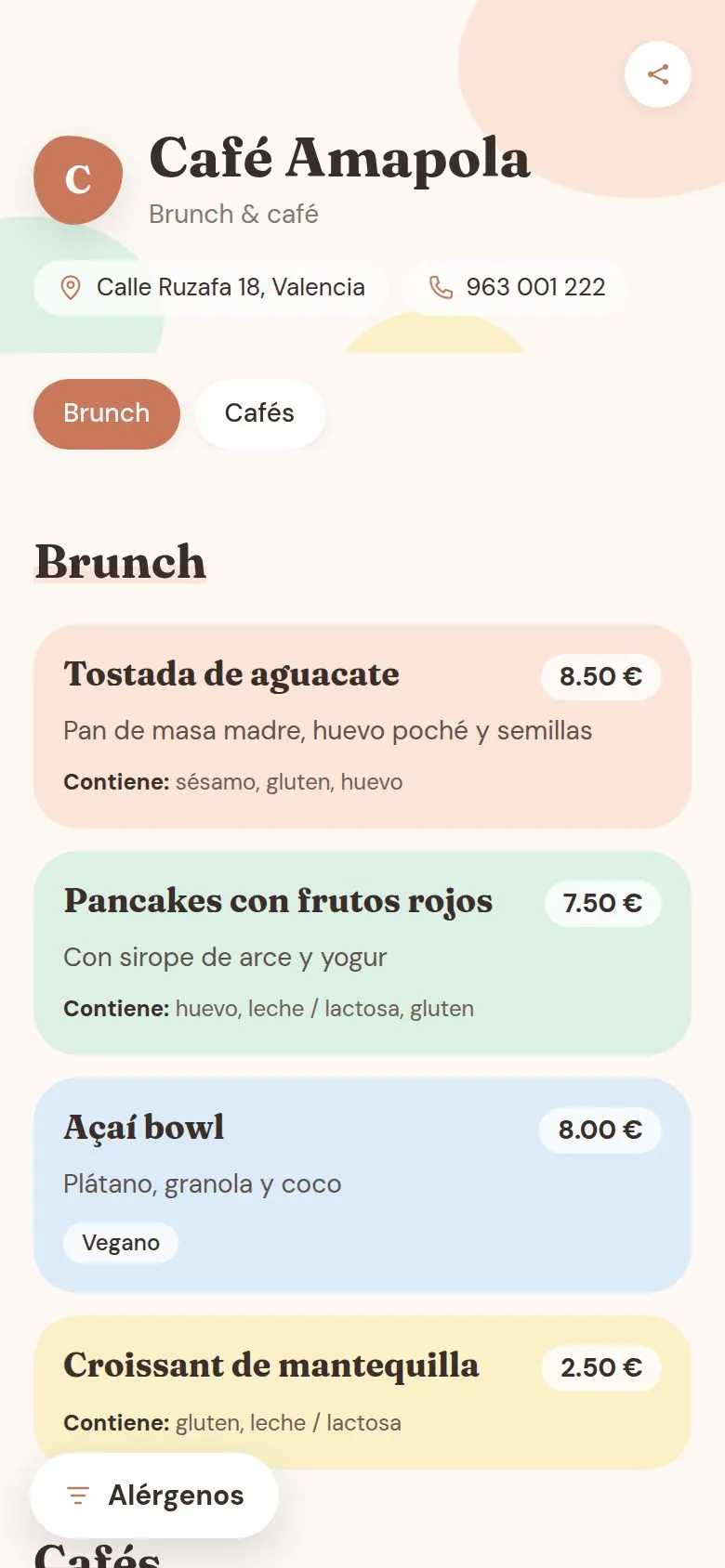
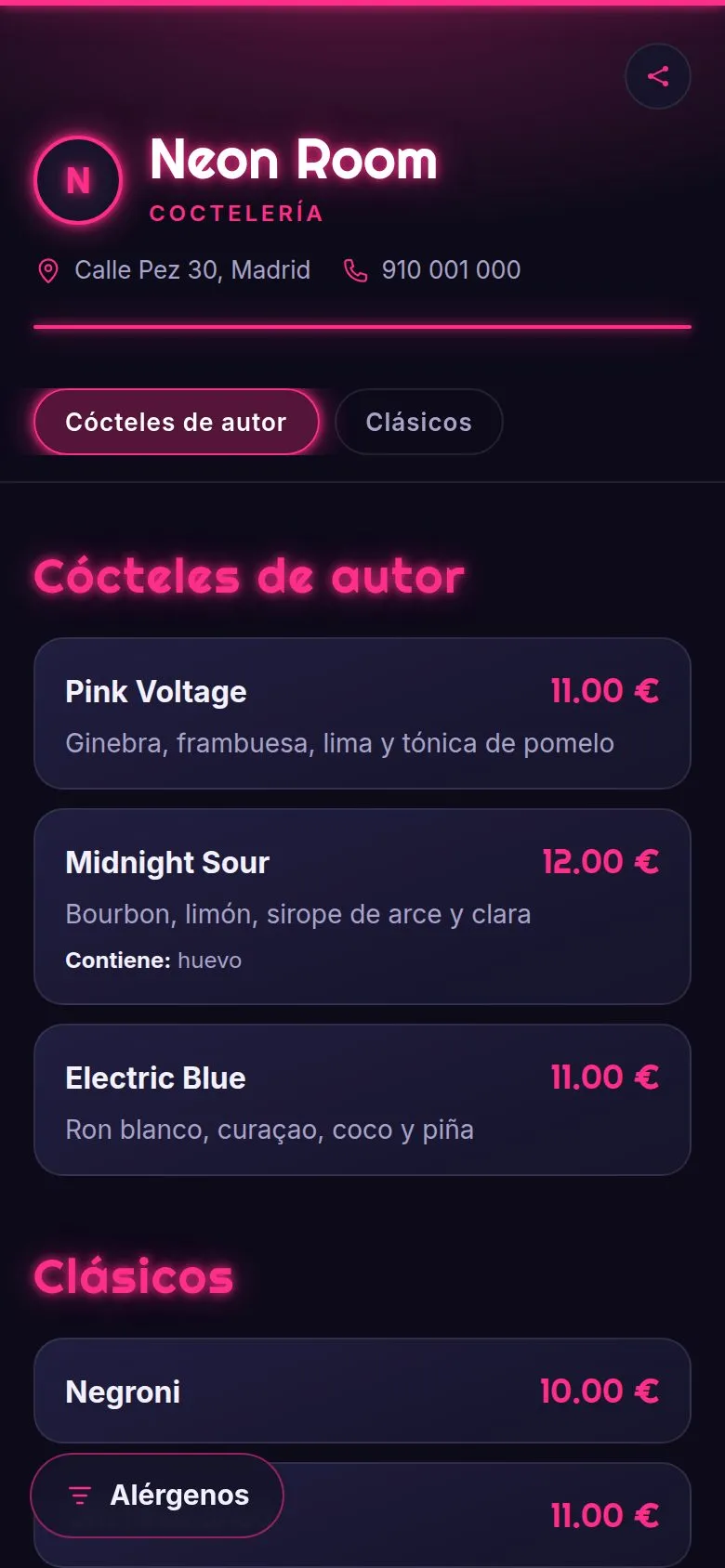
They scan the QR and the menu opens on their phone, in their language, with nothing to download. The German tourist reads it in German; the local reads it in Spanish.
In their language: it opens by itself in the phone's language, and they can change it with one tap.
What's in each dish: allergens in writing and a filter to hide whatever they can't have.
Easy to share: they send it to their group on WhatsApp and decide before they get to the bar.
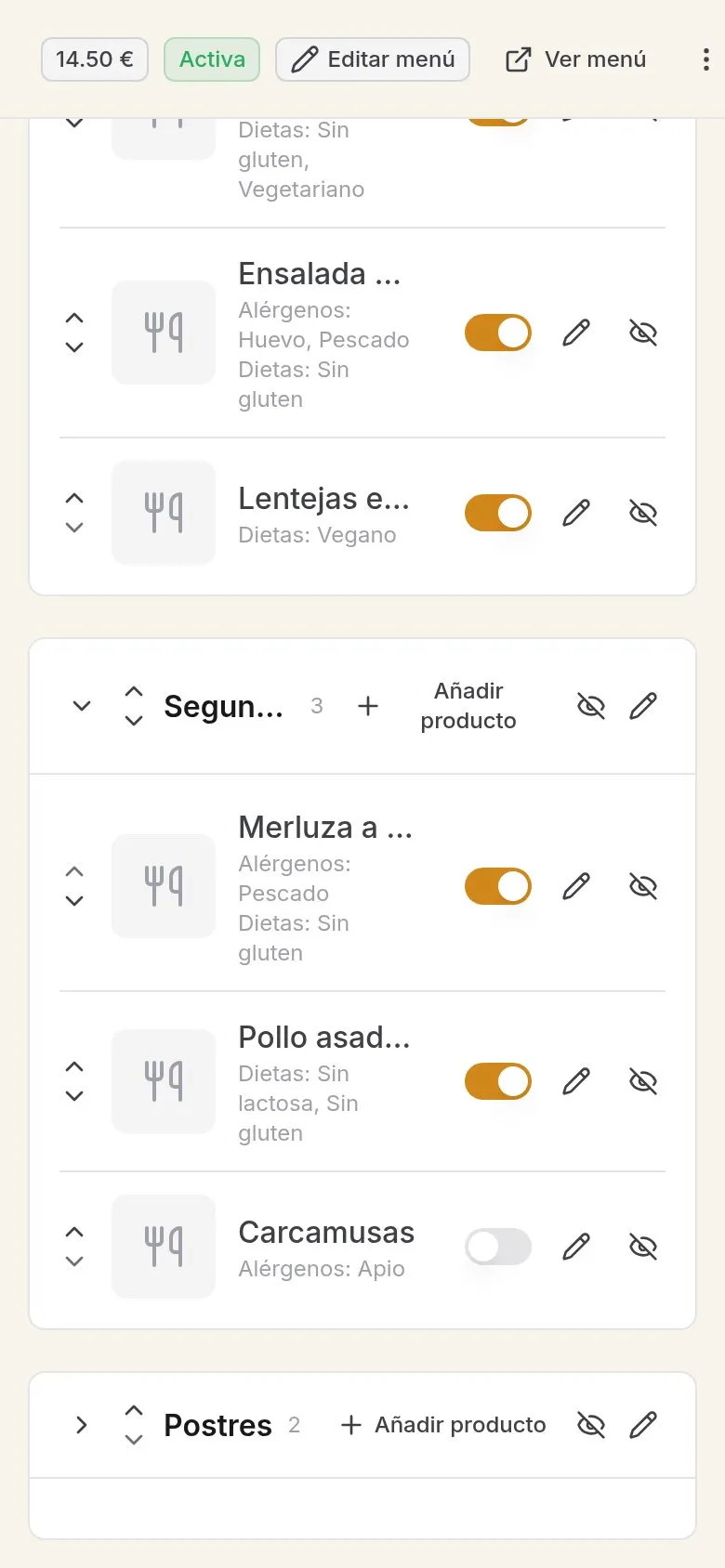
Your menu, up to date from your phone
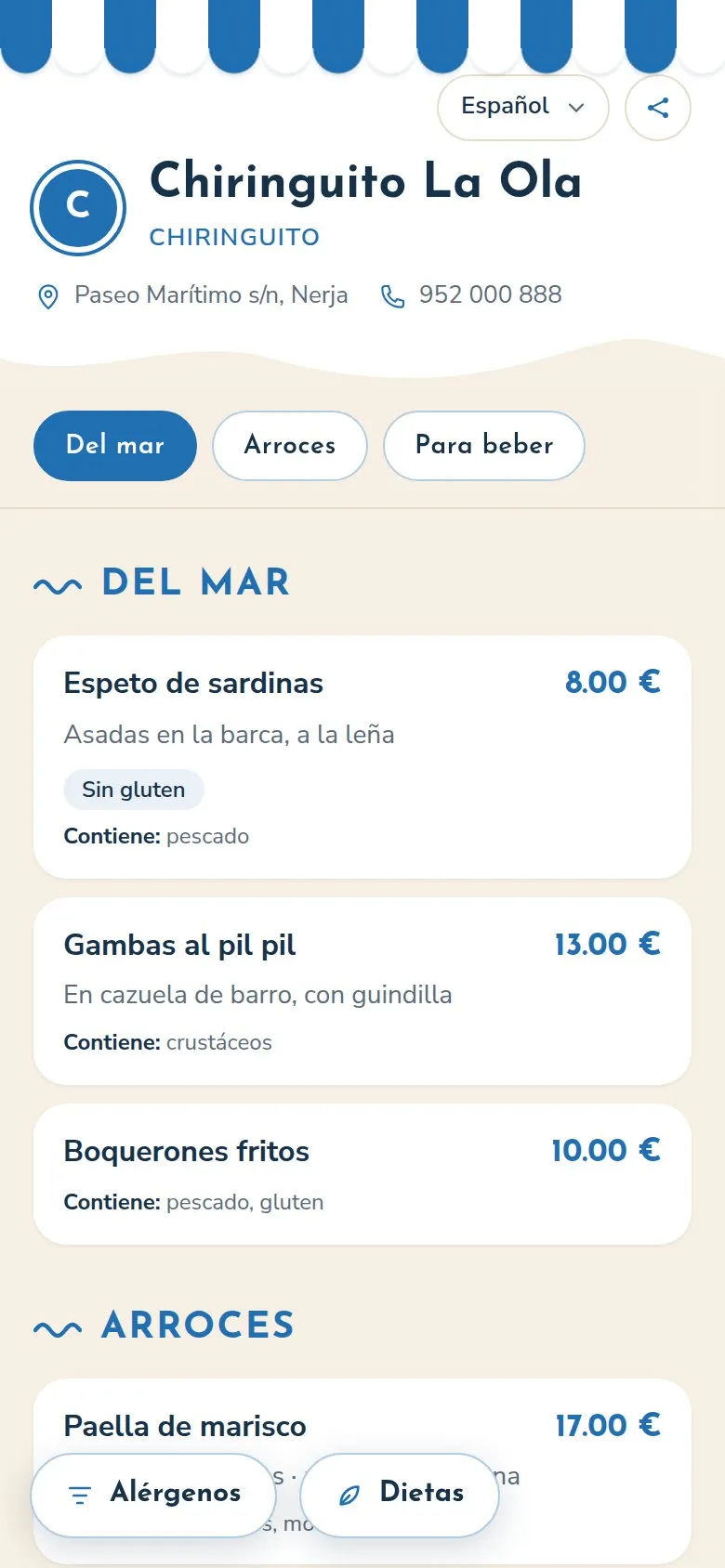
Everything is changed from the dashboard, on your phone or your computer, and your customers see it straight away. No calling anyone and no reprinting.
Sold out: flip a switch in the list and the dish disappears from the menu.
Prices: change one and it's changed on every table.
Several prices per dish: half and pint, glass and bottle, tapa and full portion.
All your menus: set lunch, weekend, wine list... switch them on whenever you like.
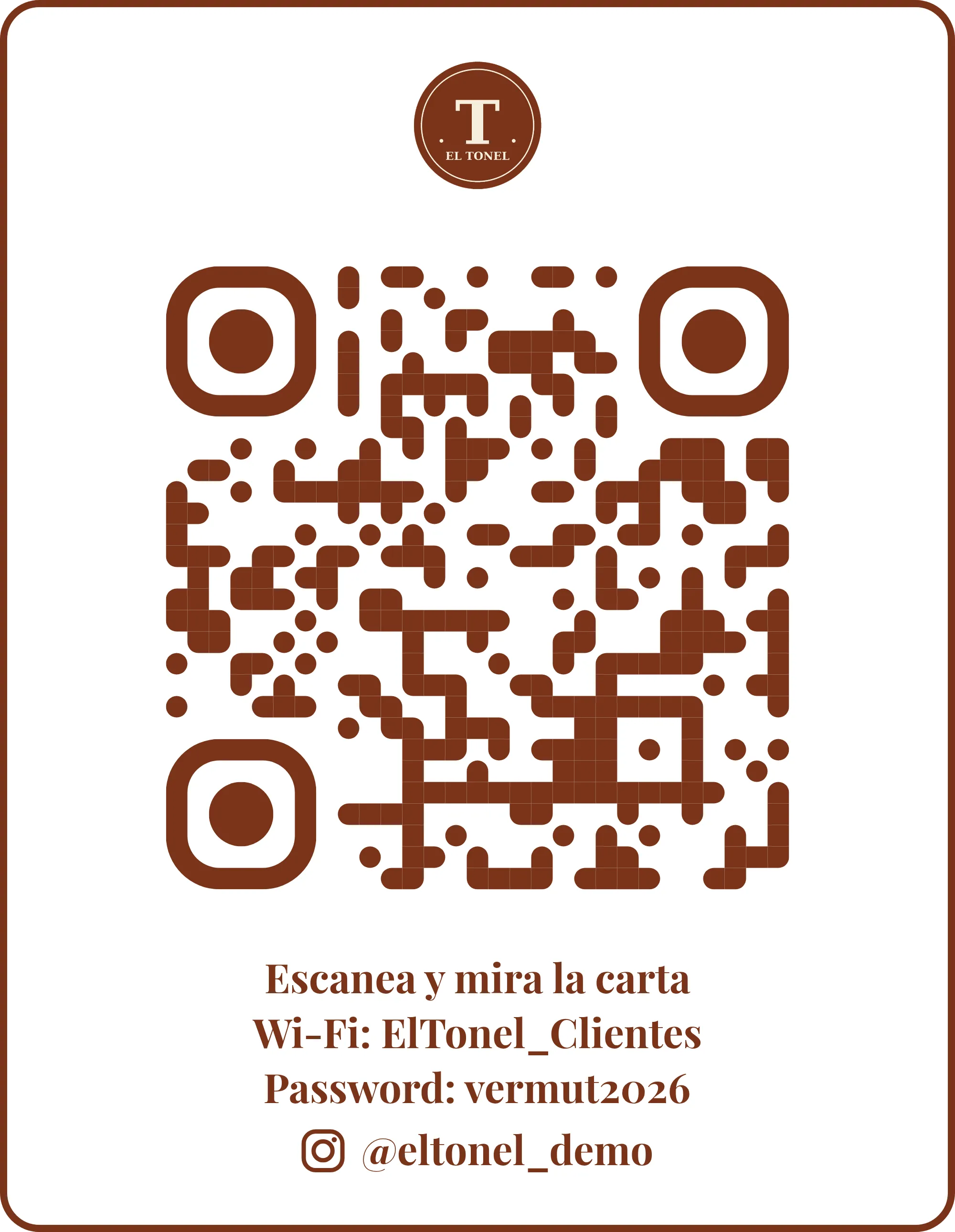
A QR in your style, that never expires
Design the table card with your logo, your colours, the Wi-Fi and your Instagram, and download it ready to print. Whatever you change, it still leads to your menu.
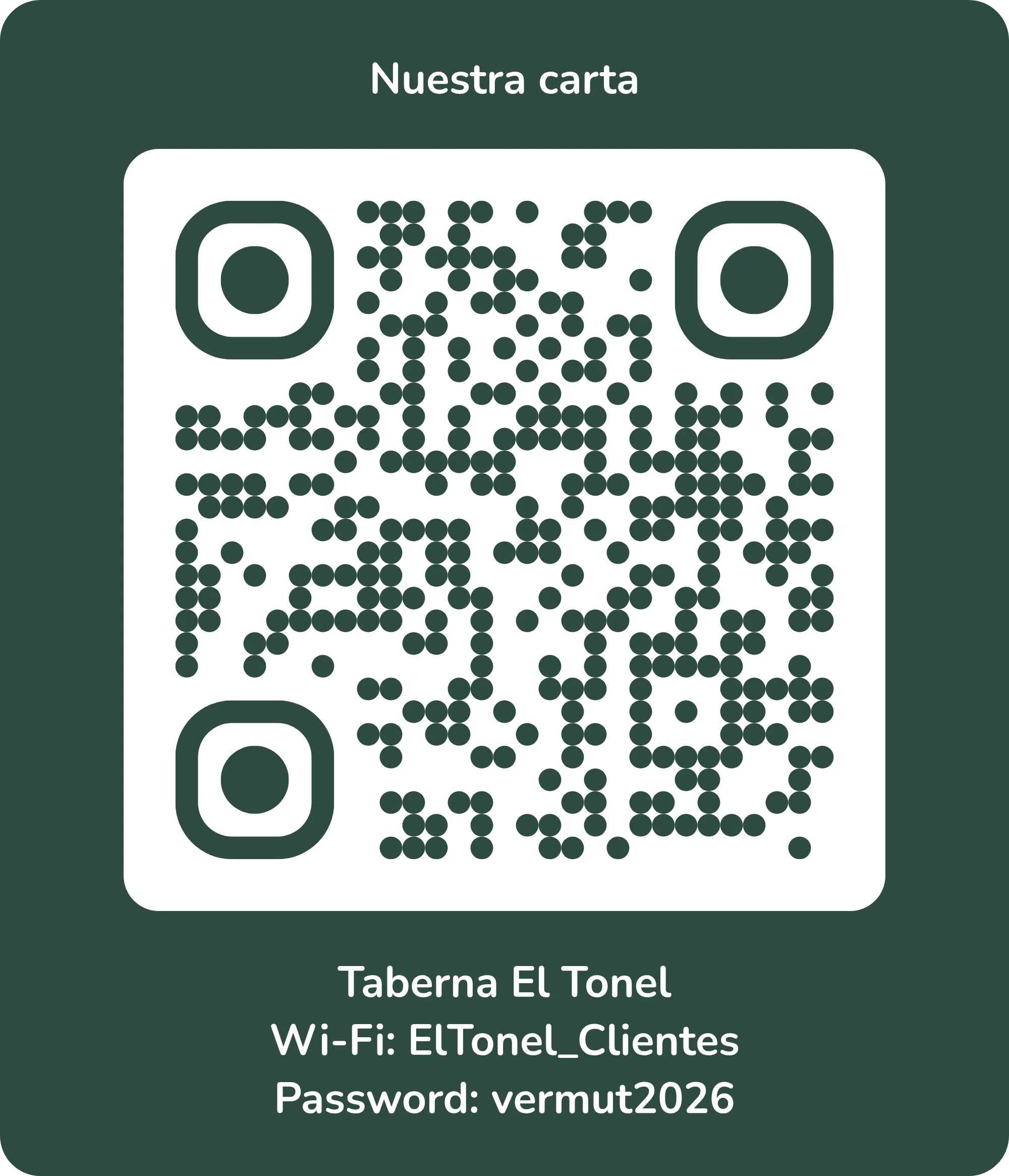
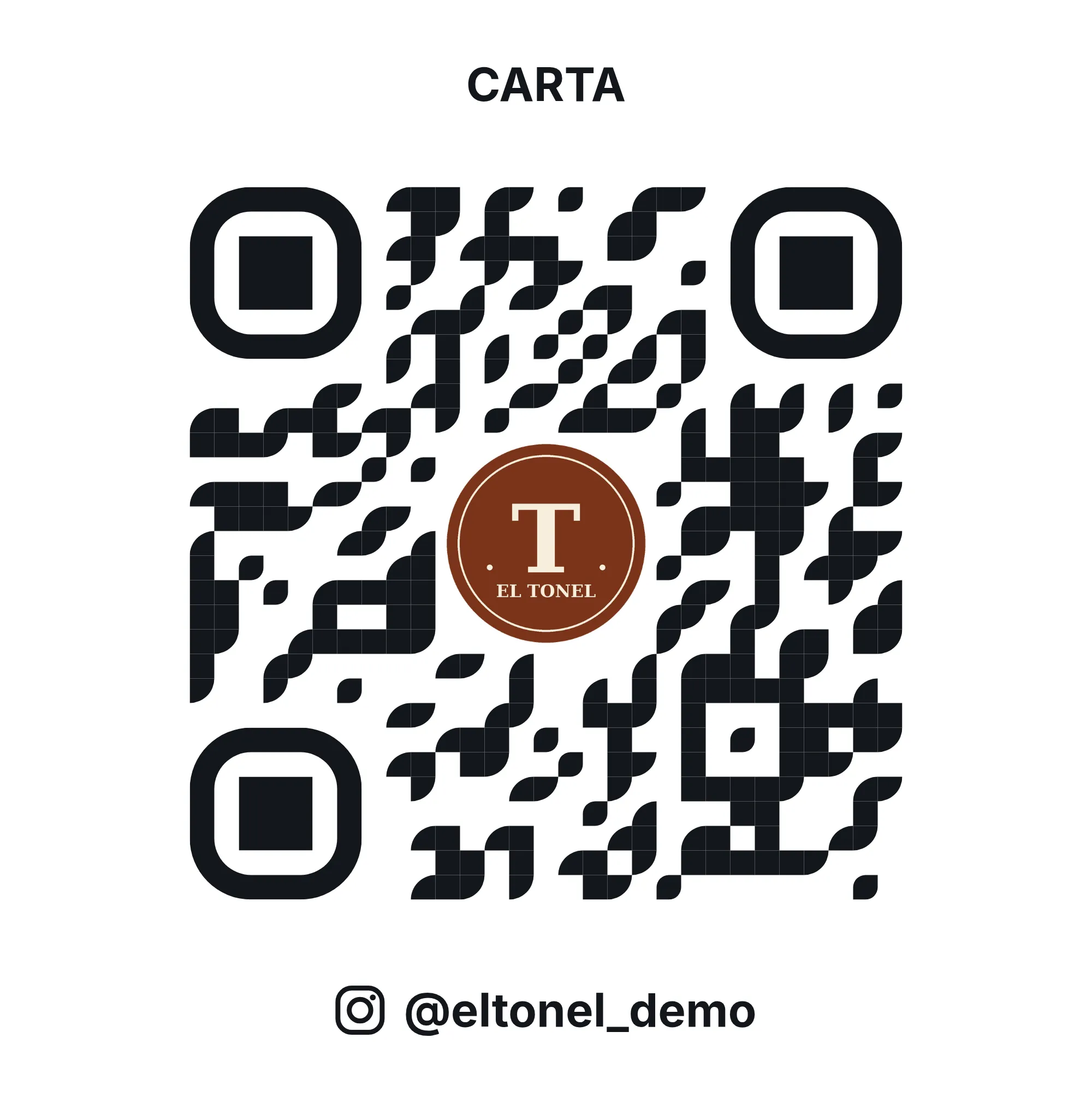
14 designs, with your colour and your logo
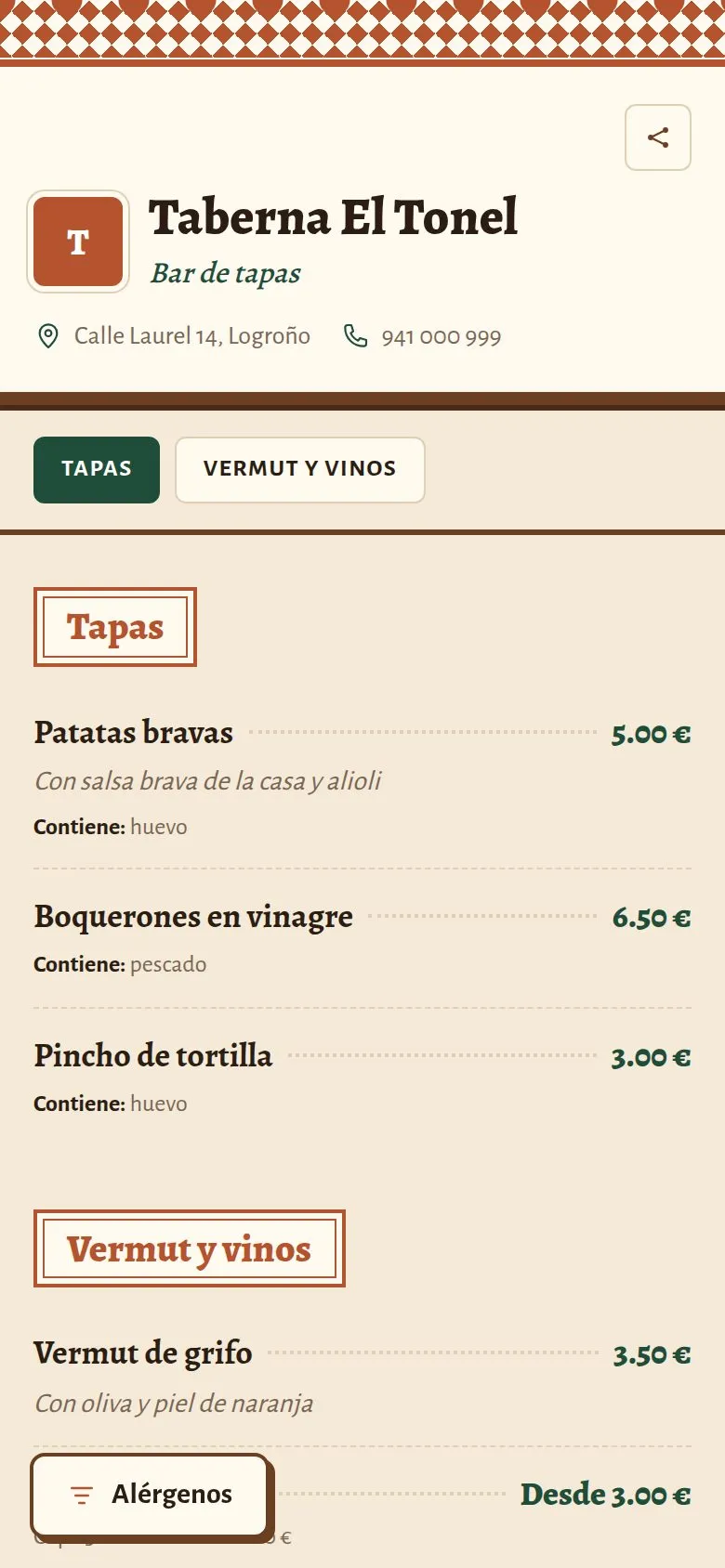
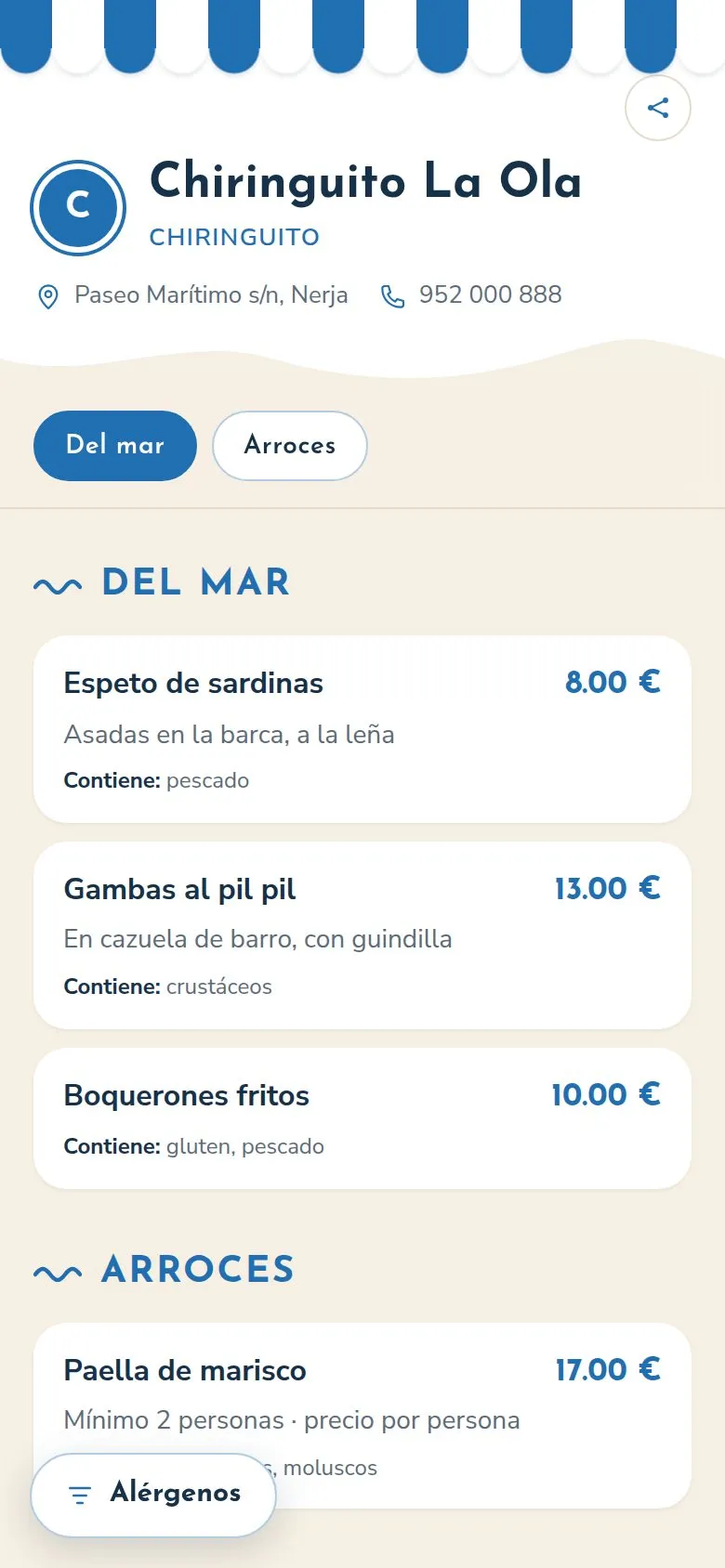
Up and running this week
Step 1: Create your account
Your email and the name of your venue. No card.
Step 2: Add your menu
Create it yourself, or send us a photo and we'll set it up.
Step 3: Choose your design
Pick a template, with your colour, your logo and your web address.
Step 4: Print your QR
Download the QR ready to print, or order it printed.
If you like, we lend a hand
- We help you get started
- We set up your menu
- We get your design ready
- We print your QR codes (quote)
What each option gives you
| What you need | PDF menu with QR | Ordering app with commission | Topristo |
|---|---|---|---|
| Change a price without reprinting | Partly | Yes | Yes |
| Mark a dish as sold out instantly | No | Yes | Yes |
| Allergen and diet filter for the customer | No | Partly | Yes |
| The menu in the customer's language | Partly | Partly | Yes |
| Your own website with your menu | No | Partly | Yes |
| No commission per order | Yes | No | Yes |
Made for busy bars and fast service
For any venue where customers decide quickly.
Frequently asked questions
I don't have time to set it up
Send us photos of your menu, a PDF or an Excel file and we'll set it up for you, on the Free plan or on PRO. You just check it.
I already have a QR with the menu as a PDF
A PDF can't be translated, doesn't let you hide what has run out, and on a phone you have to zoom in to read it. Compare it with your menu on Topristo: create it for free and see it on your phone.
Do my customers have to install anything?
No. They scan the QR with their camera and the menu opens in the browser, like any website.
What if I'm not convinced?
The Free plan is free forever and needs no card, so you can try it without paying anything. And if you go PRO, there's no lock-in: leave whenever you like and you go back to Free.
What is a digital menu?
It's your venue's menu on its own web page, opened by scanning a QR code, with no app to download. Customers see it on their phone, in the queue or at the table.
How do I make a digital menu?
You add your categories and dishes (by hand or by importing a CSV from Excel), choose a design, and Topristo creates your page and your QR code, ready to print. In an afternoon, with no designer.
Can I make a digital menu for free?
Yes. The Free plan is free forever and needs no card: one venue, 2 menus, 2 languages per menu and 500 visits a month, with the “Digital menu by Topristo” footer. If you need more, the PRO plan removes the limits; you'll find the prices on the pricing page.
How do I make a QR code for a restaurant?
Your QR exists as soon as you create your account. You design the card with your logo and colours and download it as a PDF to print. You don't need any other tool.
Can I put my social networks and Google reviews on the menu?
Yes. You paste the links to your Instagram, Facebook, website and Google listing into your dashboard, and your menu and welcome page show a button for each one, plus a "Leave us a review" button at the end of the menu.
How much does a custom design or a printed QR cost?
It depends on what you need. Write to us and tell us what you want (a template or a custom website, or your QR printed on stickers, cards or other formats) and we'll send you a quote with no obligation.
Create your menu for free
Made in Fuengirola, for bars like yours. If you have any questions, write to us and we'll answer you ourselves.
Free forever, no card needed