
Your QR, ready for the table
The QR code for your menu, ready to print
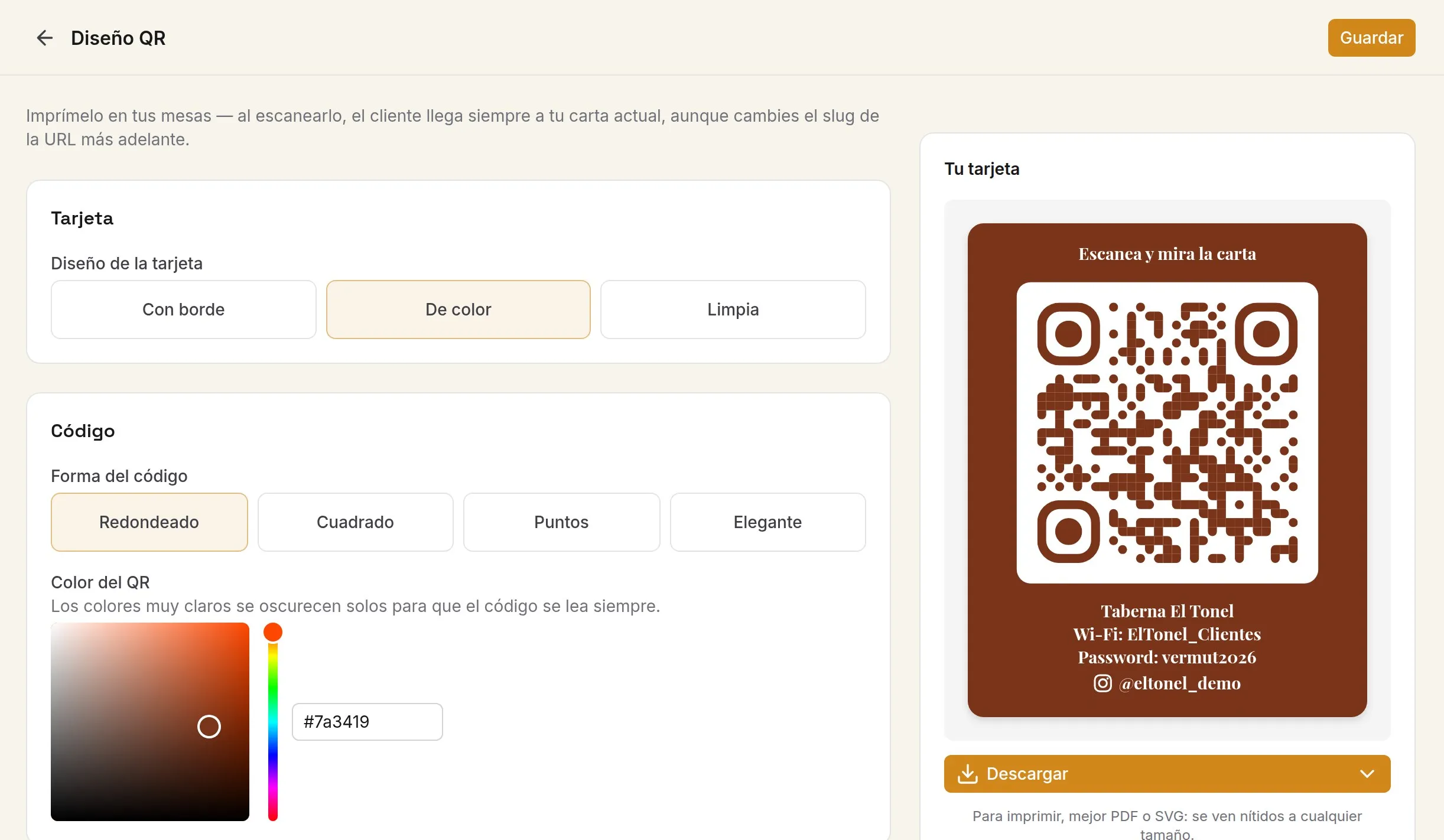
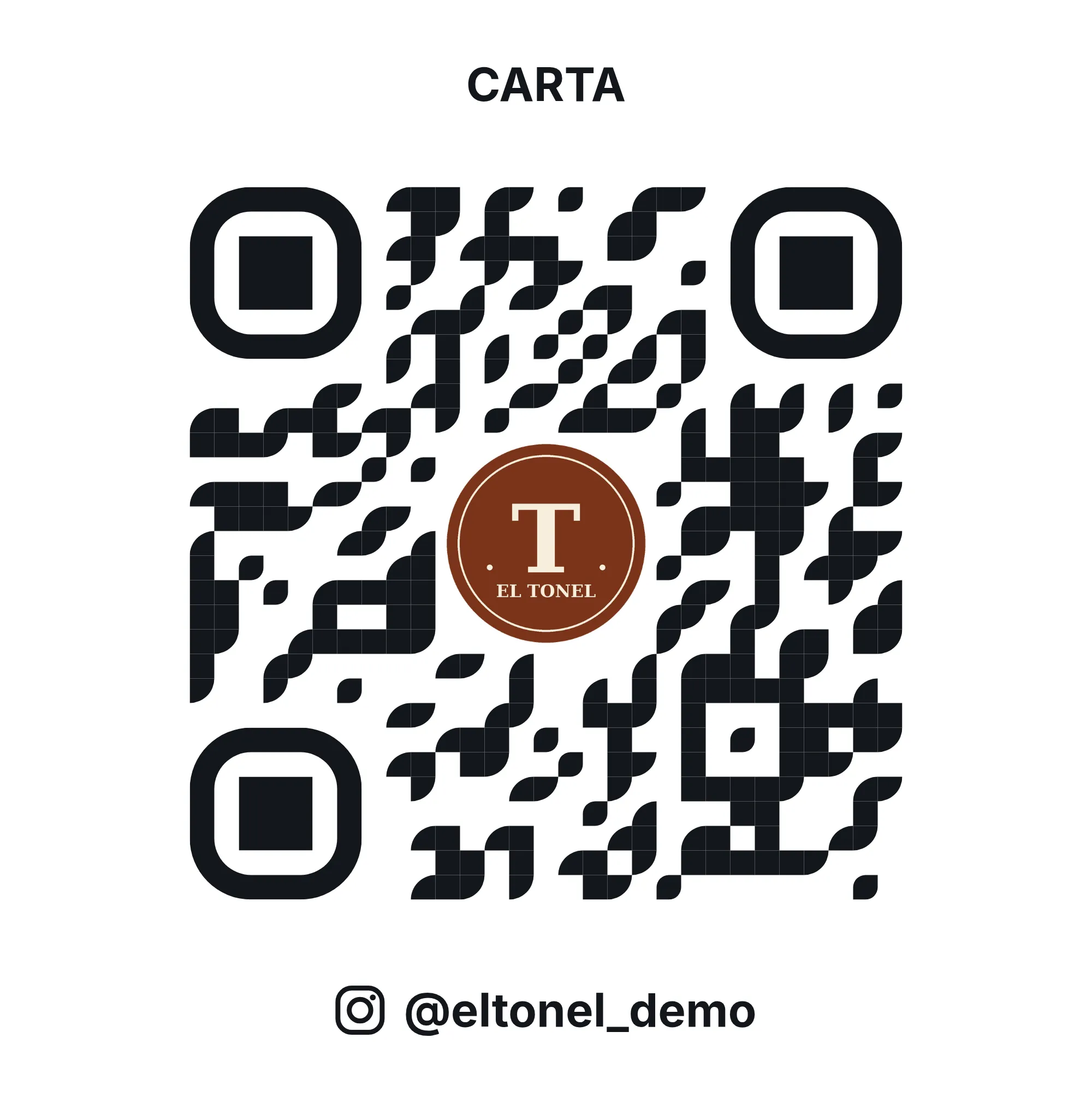
Design the table card with your logo, your colours, the Wi-Fi and your Instagram, and download it as a PDF. The QR never expires, even if you change the menu.
Free forever, no card needed
A QR that doesn't break
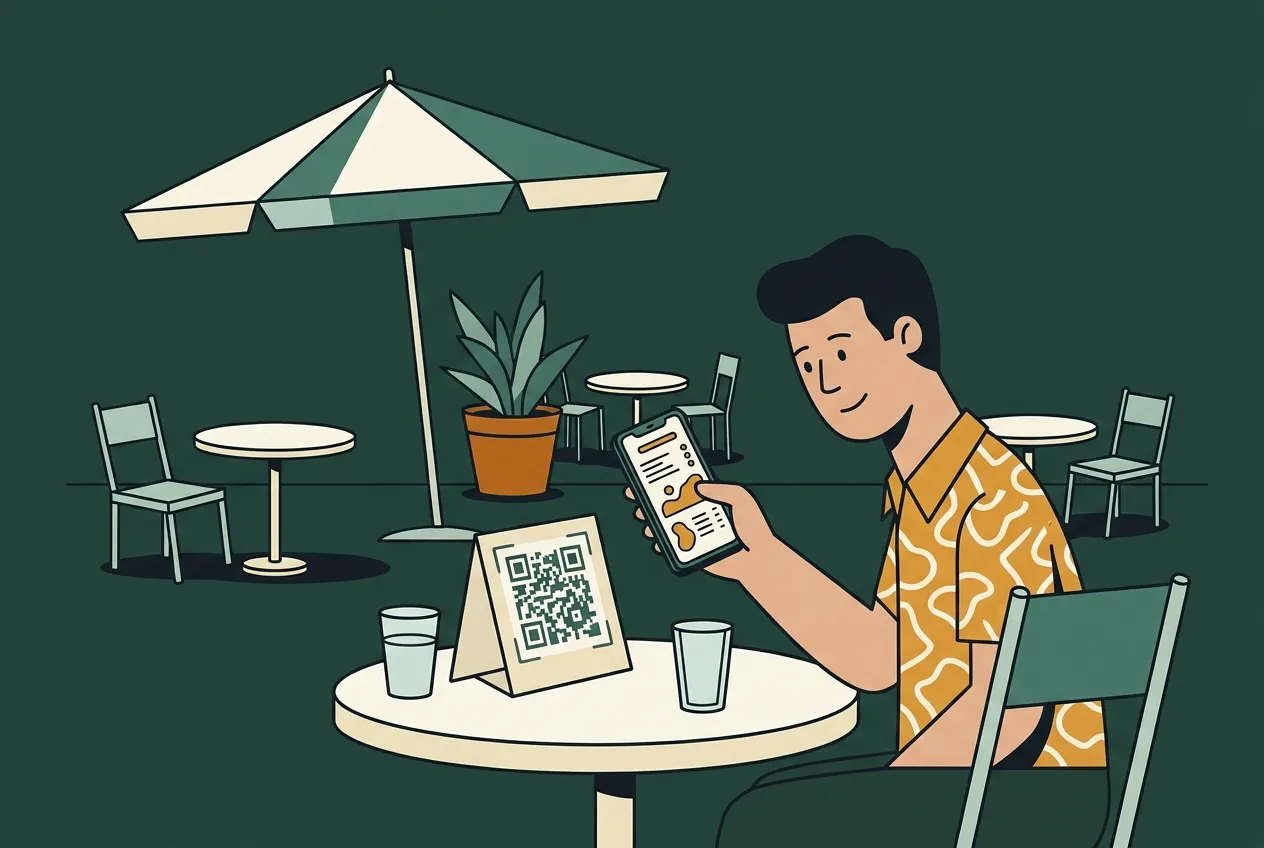
Print it once. It works for good.
Your QR carries a code of your own venue, not the menu. Change the dishes, the prices, the design or your website address: the printed QR still leads to today's menu.
In your dashboard
Design the card your way
Card: with a border, coloured or plain.
Code: rounded, square, dotted or elegant, in your colour.
Logo: at the top, at the bottom or inside the code.
Texts: at the top and bottom, in the typeface you choose.
Extras: your venue's Wi-Fi and your Instagram.
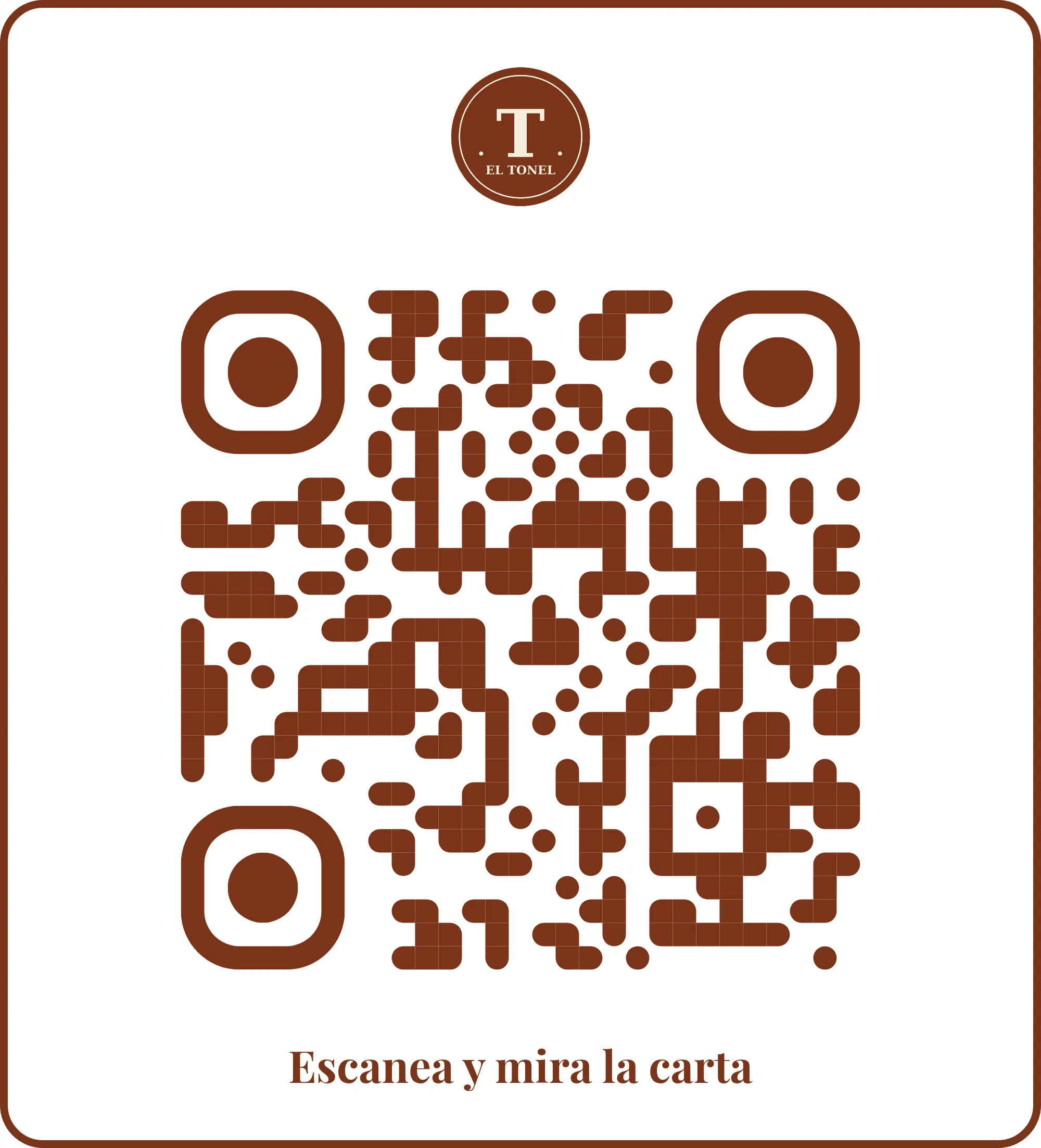
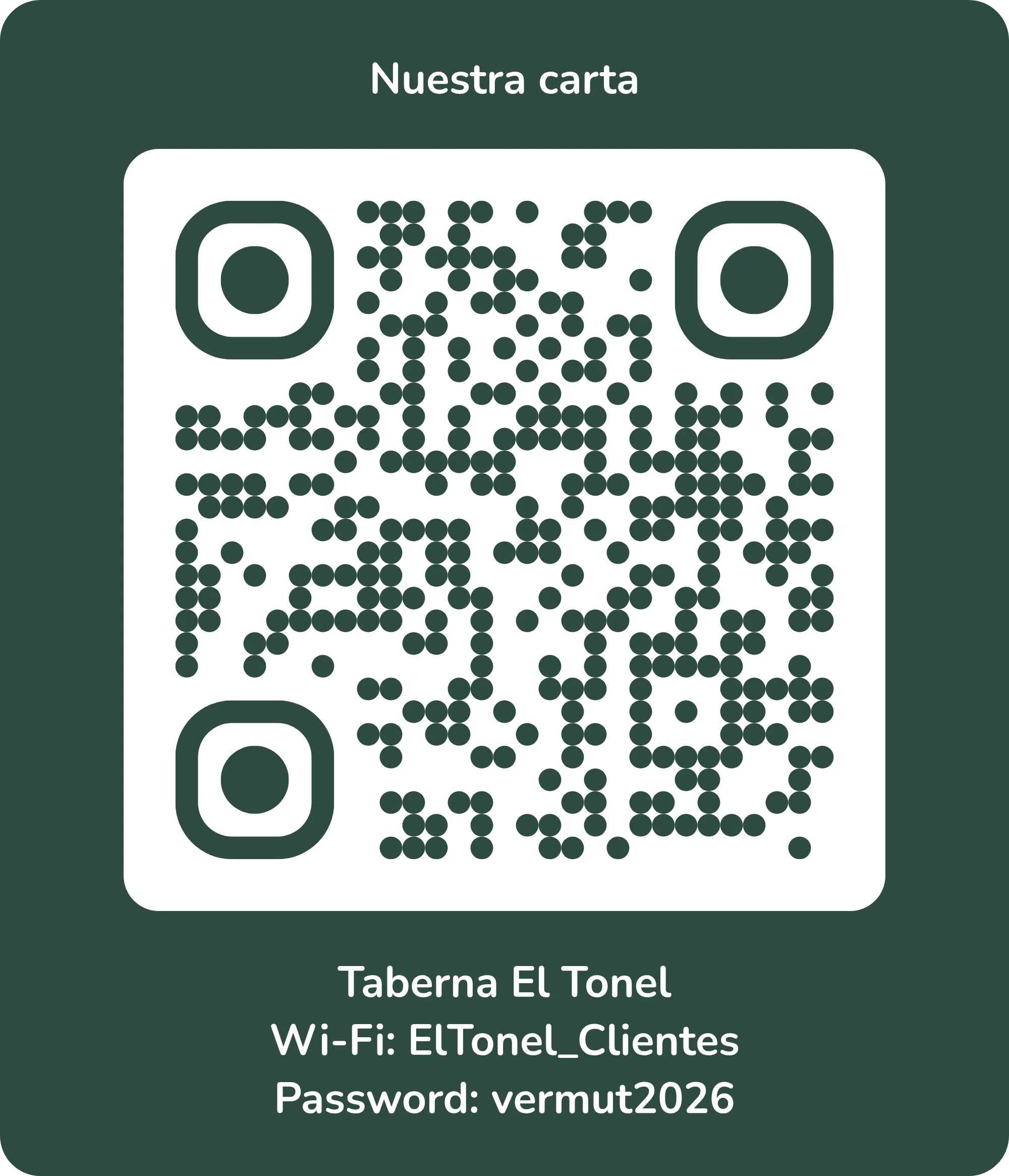
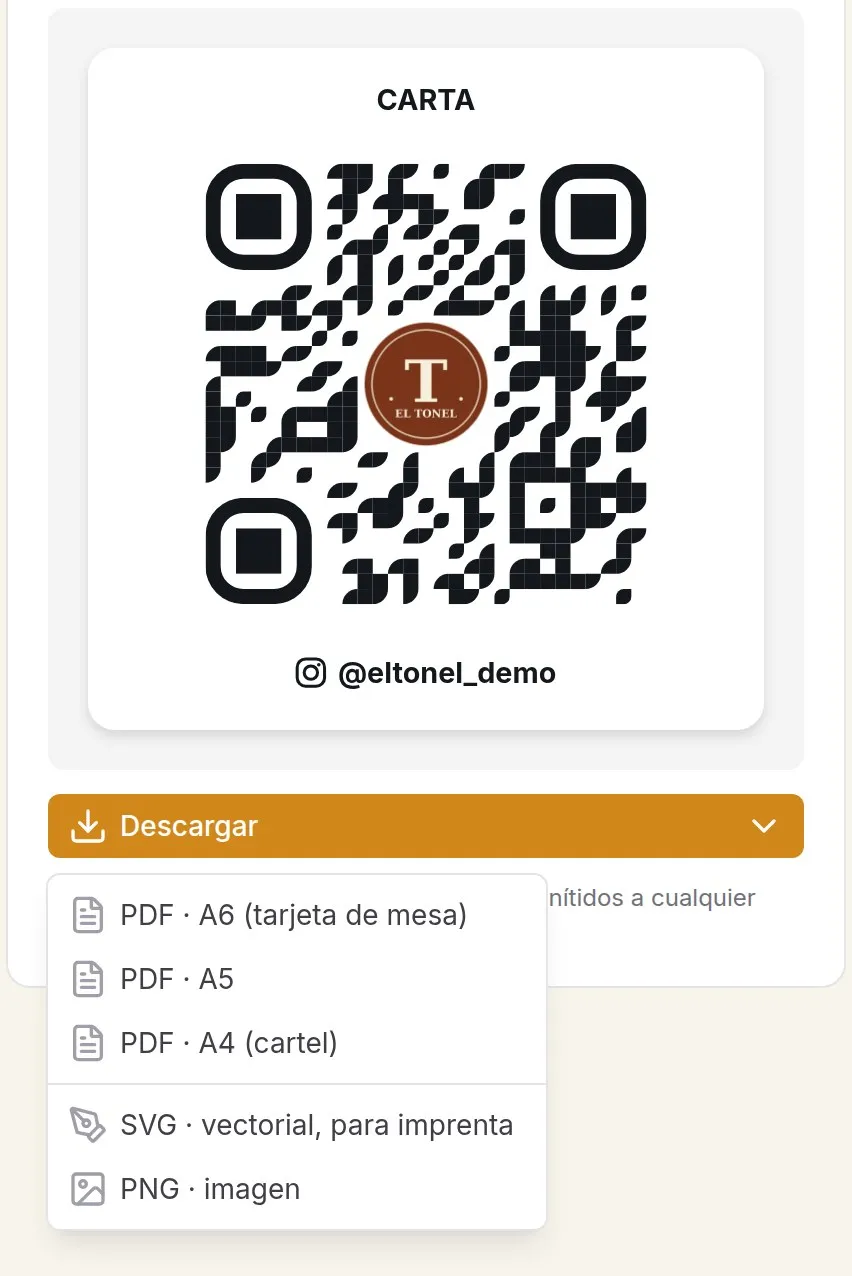
PDF, SVG or PNG
Download it to print
A6 PDF for the table card, A5 and A4 for posters. SVG if a print shop is doing it: it stays sharp at any size.
Would you rather not deal with it? We'll send it to your venue, printed.
Where to put it
The QR works best where customers wait or decide.
On the table
An A6 card in a holder or a sticker in the corner: they scan it without getting up.
At the bar and the queue
An A5 or A4 poster where people queue, so they decide before they order.
In the window
A poster on the door: passers-by see the menu before they come in.
Frequently asked questions
How do I make a QR code for my restaurant?
With Topristo your QR exists from the moment you create your account. In "QR design" you choose how the card looks (colours, logo, texts, Wi-Fi, Instagram) and download it as a PDF to print, or as an SVG if a print shop is handling it.
If I change the menu, do I have to print another QR?
No. The QR carries a code of your own venue, not the menu or your website address. Whatever you change (dishes, prices, design or address), the printed QR keeps working.
What size should the QR be?
On a table, the code on an A6 card is easy to read. To read it from further away (the bar, the window) use A5 or A4: the further away the customer is, the bigger the code should be.
Can you send it to me printed?
Yes: stickers and table cards with your design, printed and sent to your venue. You'll find it under Services.
More of what your menu can do
Your QR on the table this week
Design it in minutes or order it printed.
Free forever, no card needed