For food trucks, takeaways and kebab shops
Digital menu for food trucks and takeaways
A sign next to the queue and a QR code on the table, and your customer decides before reaching the window. The menu is for reading, not for ordering; the order is still placed with you. With allergens for every sauce and your venue on Google.
Free forever, no card needed
The queue at the window
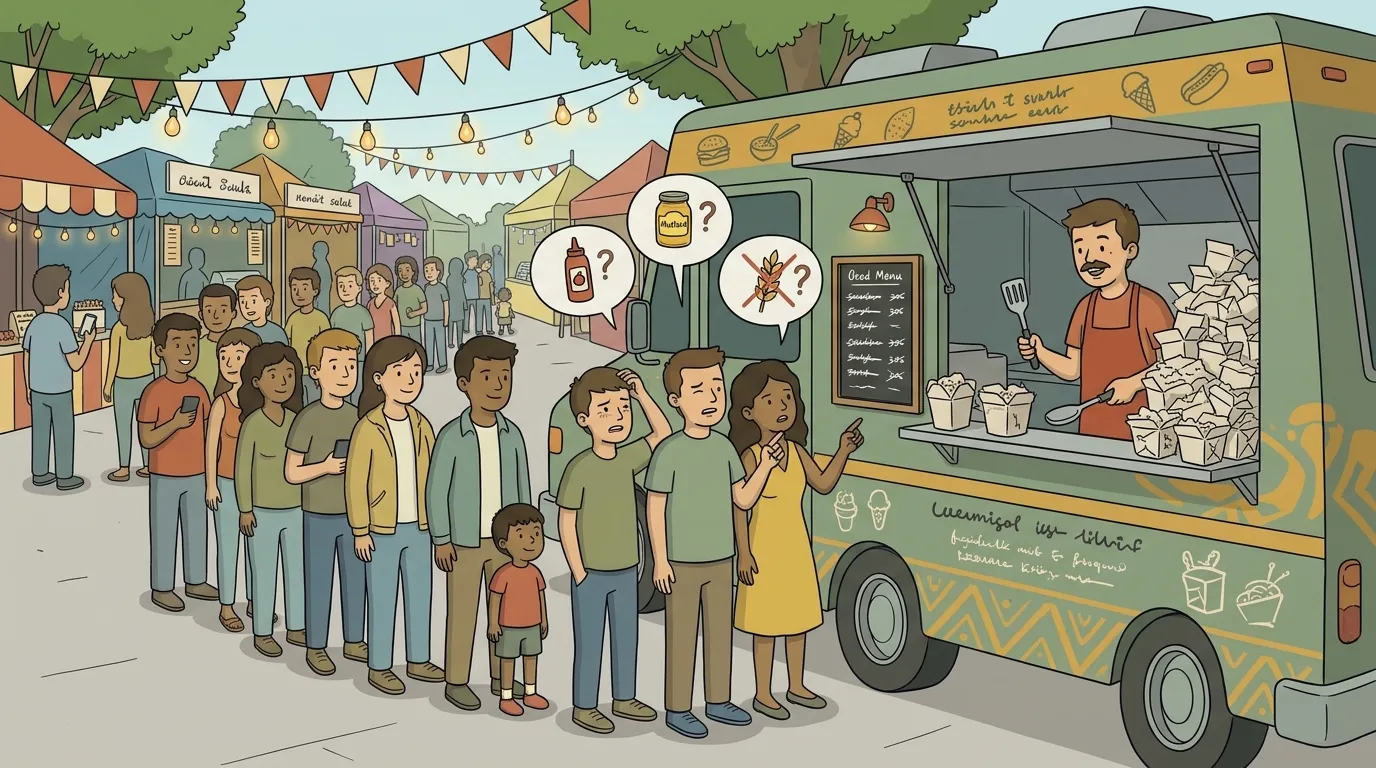
A market on Saturday, a festival on Sunday and a chalkboard that only fits half the menu. The queue grows while every customer reads, asks what's in the sauce and reads again, and every event calls for a different menu.
Where the menu is read
Standing in the queue or sitting at the table
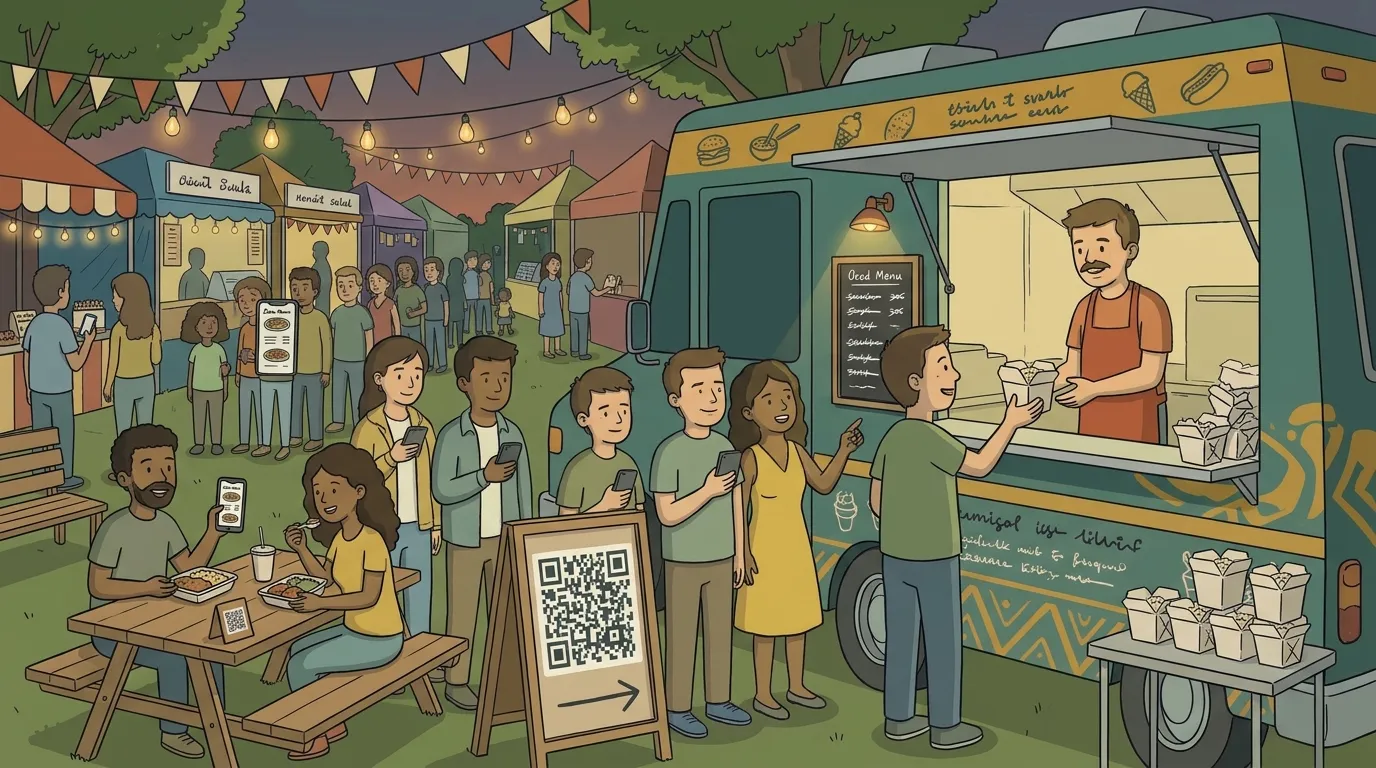
There's no table service: you order at the window or at the counter. A sign with the QR code next to the queue, and another on the tables or the bench beside it, and customers read the menu standing in the queue, or sitting while they eat.
They reach the window knowing what to order and the queue moves. The menu doesn't replace yours: it just saves you explaining it to every customer.
Here today, there tomorrow
The QR code is the same, the menu changes
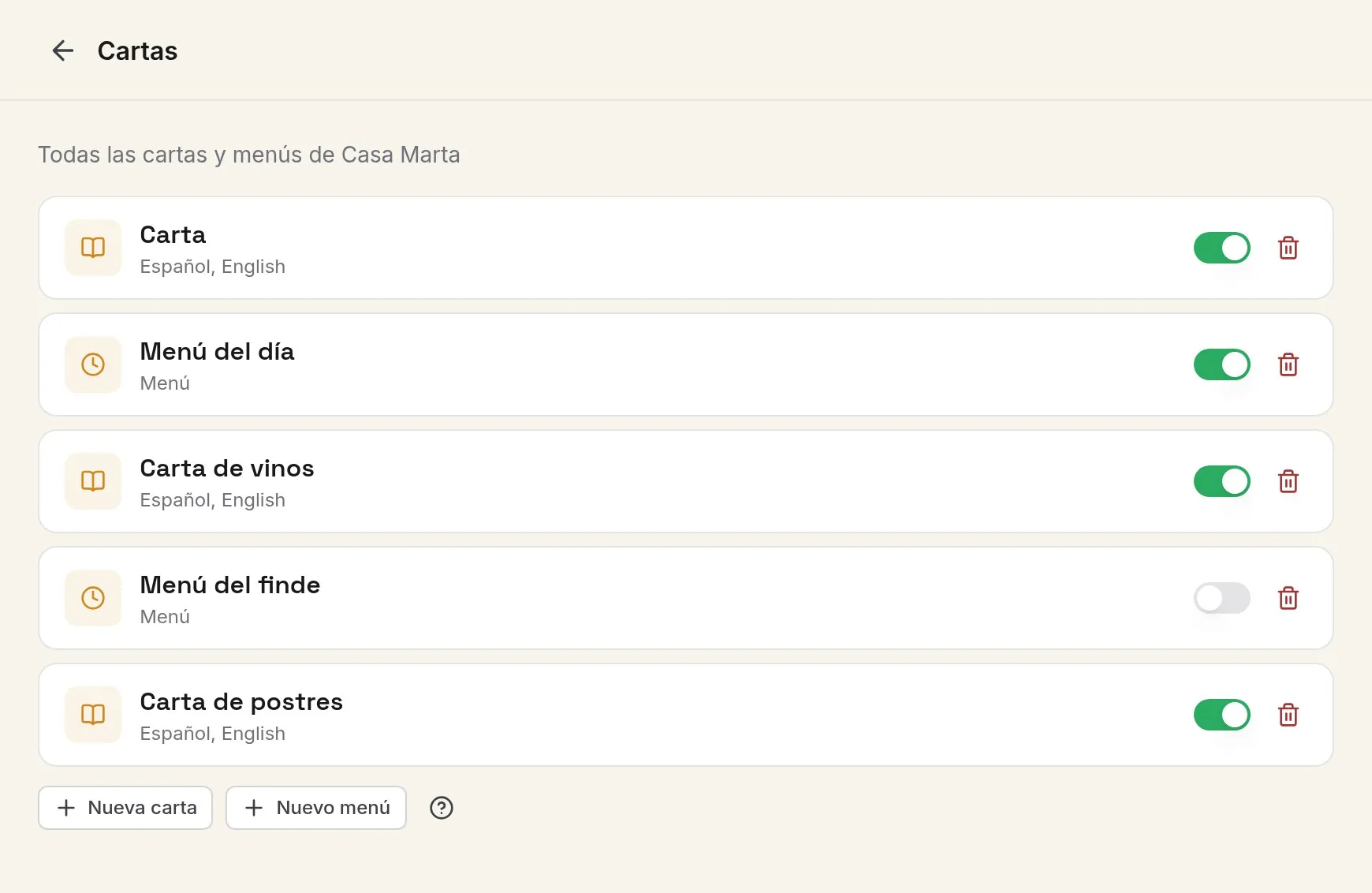
A market today, a festival tomorrow, a wedding on Saturday. You prepare a menu for each event and switch on the one that applies; the sign with the QR code doesn't get reprinted. When something runs out, you switch it off from your phone and it disappears from the menu instantly.
Allergens
What's in each sauce
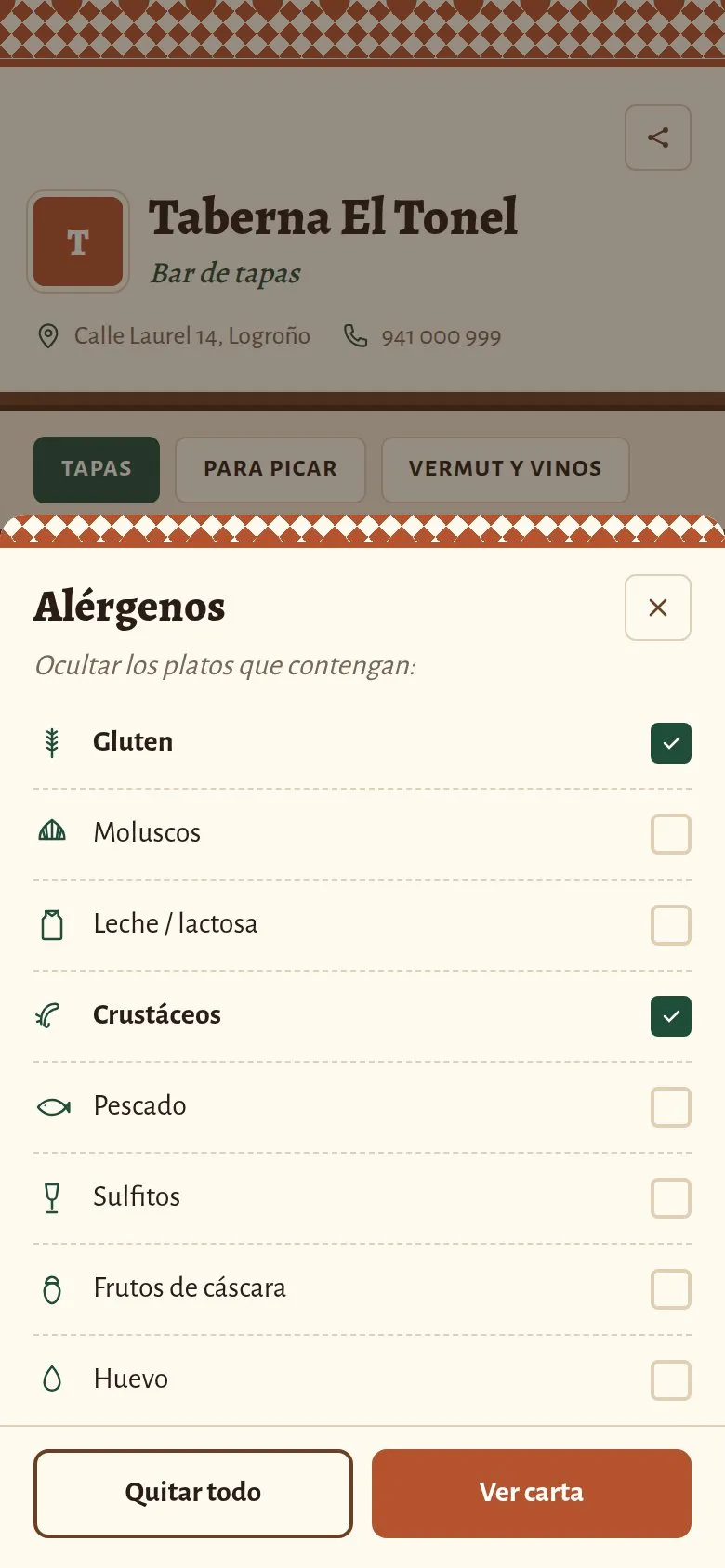
On a truck or in a kebab shop, sauces and extras almost always contain mustard, dairy, sesame or gluten. Every dish and every extra lists its allergens, and anyone with an allergy sees them before ordering, not when they taste it.
Before they visit
They follow you on their phone, and know where to go
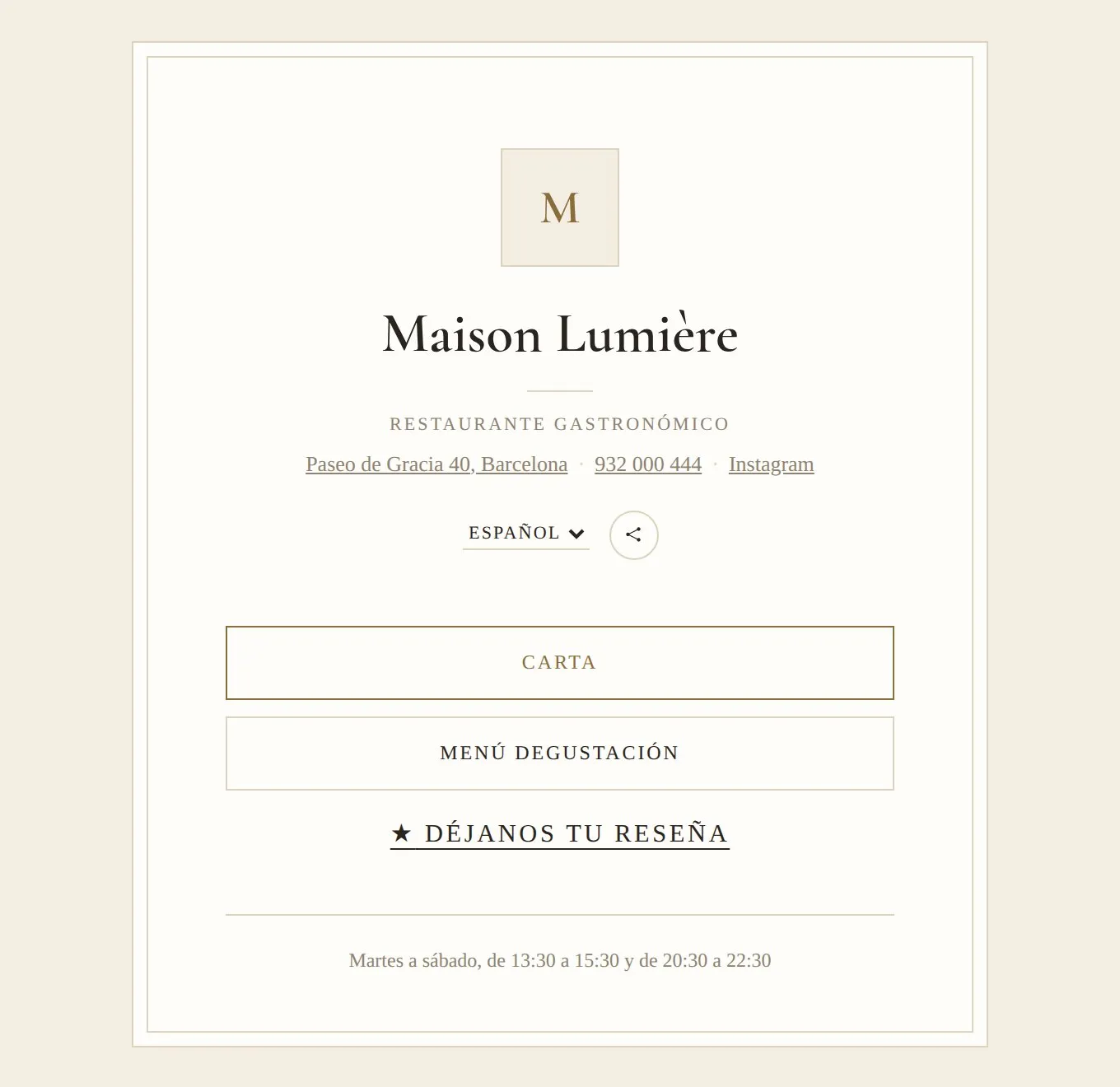
Anyone who follows you on Instagram or looks you up on Google decides whether to come and see you today by reading the menu. With one fixed address for your menu, in your bio and on your listing, they see what's on today and where you are, even if you change spot every day.
That address is also your website, with your opening hours and your social links.
A menu for every kind of day
What changes between a market, a festival and a private dinner.
Neighbourhood market
The full menu, with every dish and the usual combos. People pass slowly and the sign with the QR code can be read from the queue.
Festival
A short menu, with three or four dishes that go out fast and the sold-out ones clearly on show. With a thousand people, every second of queue counts.
Private event
A set menu for the occasion, with its price and allergens, and the everyday menu switched off until you're back on the street.
Live demo
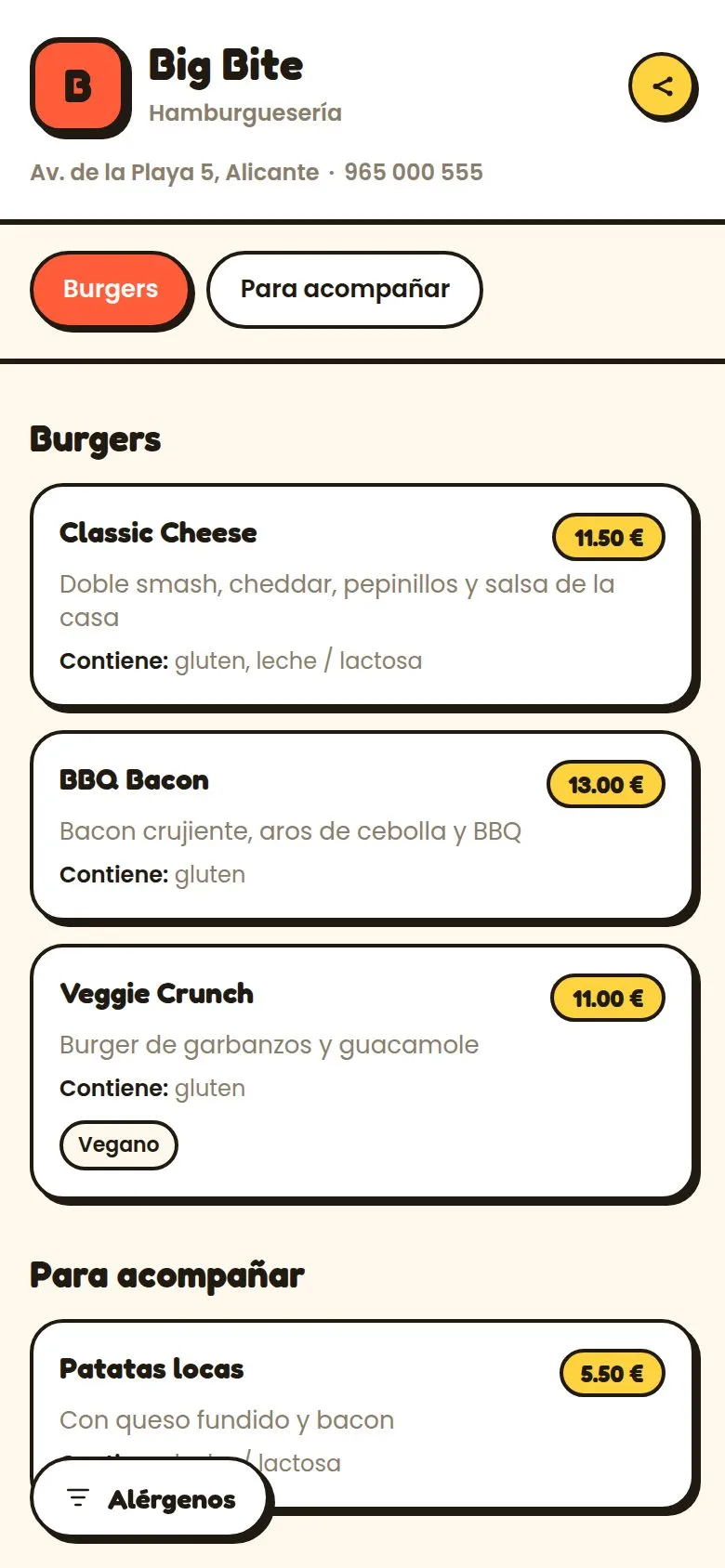
Smoky Van
A food truck with a short barbecue menu and combos. Open it as if you were in the queue.
Designs with plenty of flavour
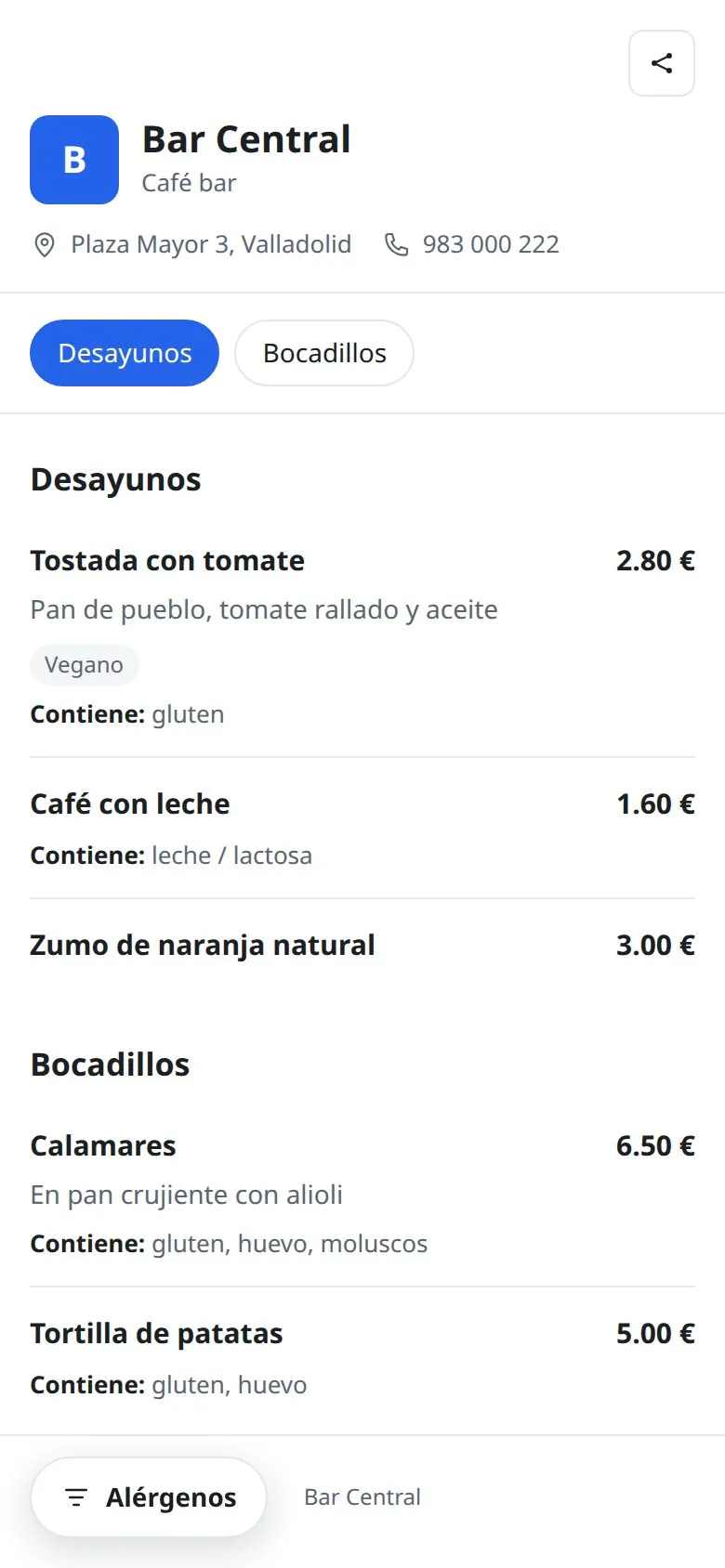
No time? We'll do it for you
We set up your menu
Send us your menu on paper, as a PDF or as photos and we load it for you, with your account ready to publish.
More information about we set up your menuCustom design
An exclusive template, a full website or a QR card in your own style.
More information about custom designYour QR, printed and at your venue
Stickers, table cards and made-to-measure stands with your design, delivered to your venue.
More information about your qr, printed and at your venueFrequently asked questions
Can customers order from their phone?
No. The menu is for reading and deciding; ordering and paying is still done at the window or at the counter, as always.
Where do I put the QR code?
On a sign next to the queue, on the tables or the bench and, if you like, on the window or the door, so that people who haven't come in yet can scan it.
How do I switch the menu from one event to another?
You prepare one menu per event and switch on the one that applies. The address and the QR code are always the same.
Does it work for a kebab shop or a takeaway?
Yes, if what you want is for customers to decide in the queue. If you want them to order and pay from their phone, Topristo isn't that tool.
What your menu does for you
Let the queue move by itself
Prepare the menu for your next event in an afternoon and put the sign next to the queue.
Free forever, no card needed