For catering, weddings and events
Digital menu for catering, weddings and events
Guests see the menu before the event and read it wherever they are, with the allergens of every dish and in their own language. And if a dish changes at the last minute, you change it yourself in seconds, with no reprinting of menu cards.
Free forever, no card needed
Every event is a new menu
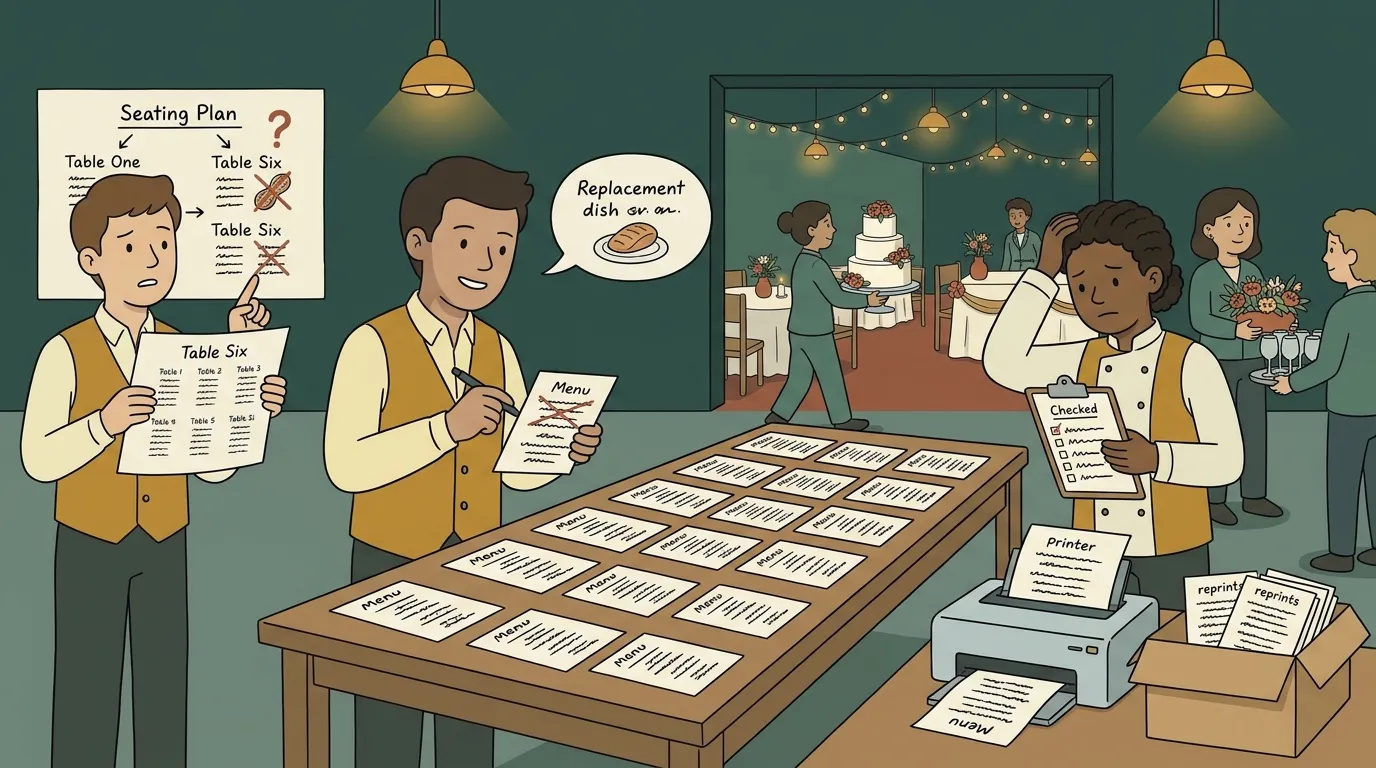
The menu card is printed for every place setting, goes out of date with the first change of dish and says nothing about the allergies on table six. Every event calls for a different set menu, and it all starts again the following week.
Where the menu is read
Before the event, with the invitation
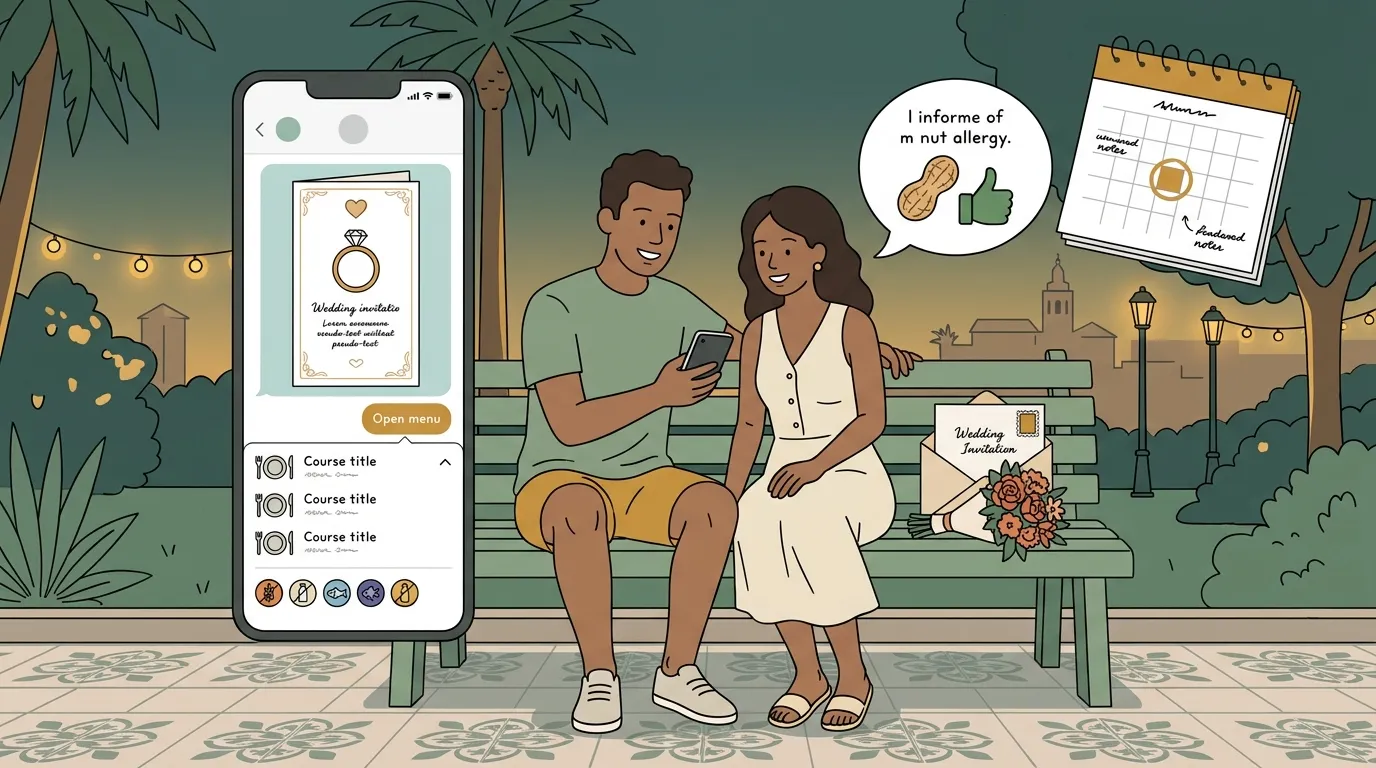
The menu is shared before it starts: the link goes with the invitation by WhatsApp or by email, and guests know what they're going to eat. Anyone with an allergy or on a diet can say so before arriving, not when they sit down.
It's what no printed menu can do: reach the guests in advance.
During the event
QR codes in several places
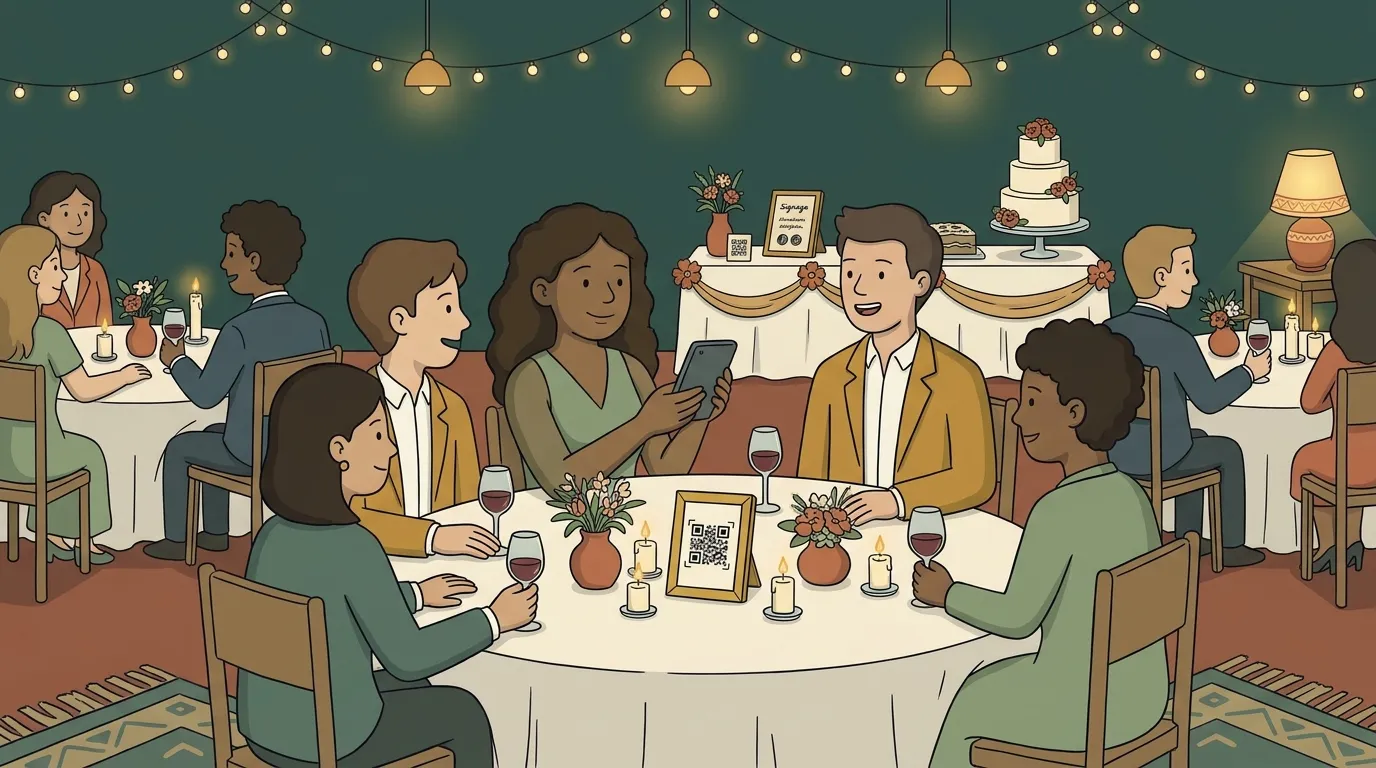
A QR code on every table, another at the entrance, another by the buffet and another at the bar. Guests read it wherever they are, without asking the waiter for the menu, and in their phone's language.
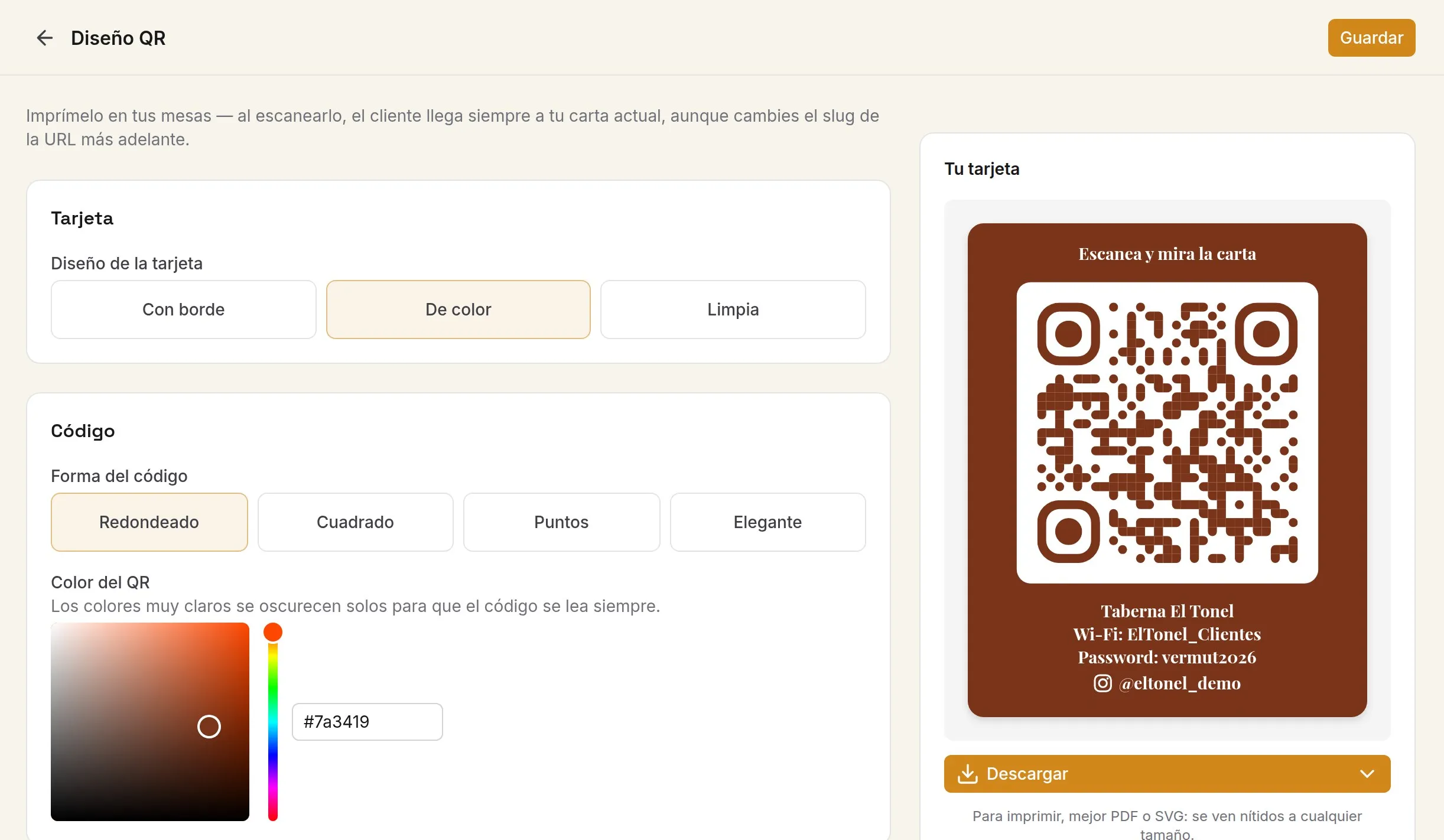
You download the QR card as a PDF or PNG in the style of the event and print it as many times as you need.
The set menu, with its courses
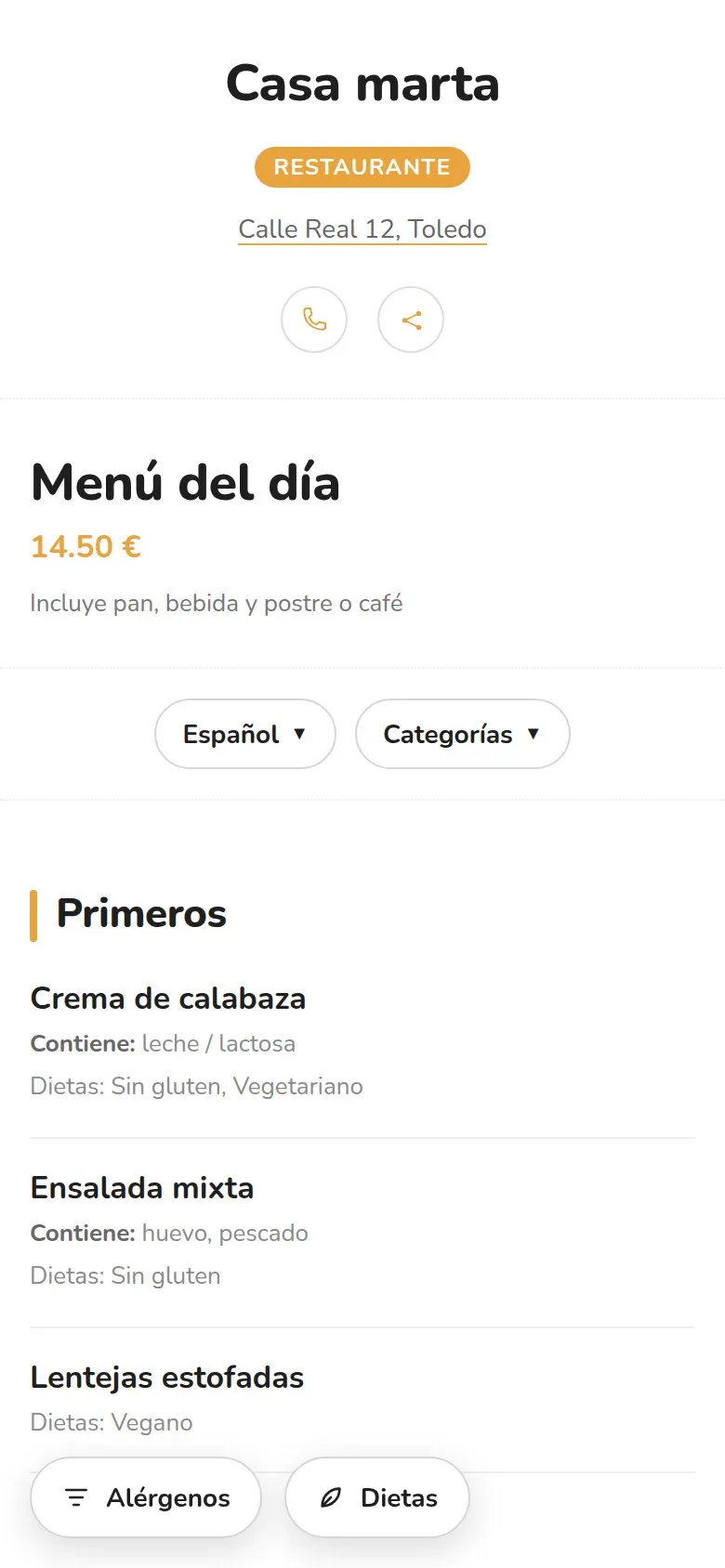
Aperitif, starters, main and dessert, with the menu price just once and what each course includes. It's the same structure as a set wedding or corporate menu.
When a dish changes because of the market or a last-minute cancellation, you change it and everybody sees it immediately.
One event, one QR code
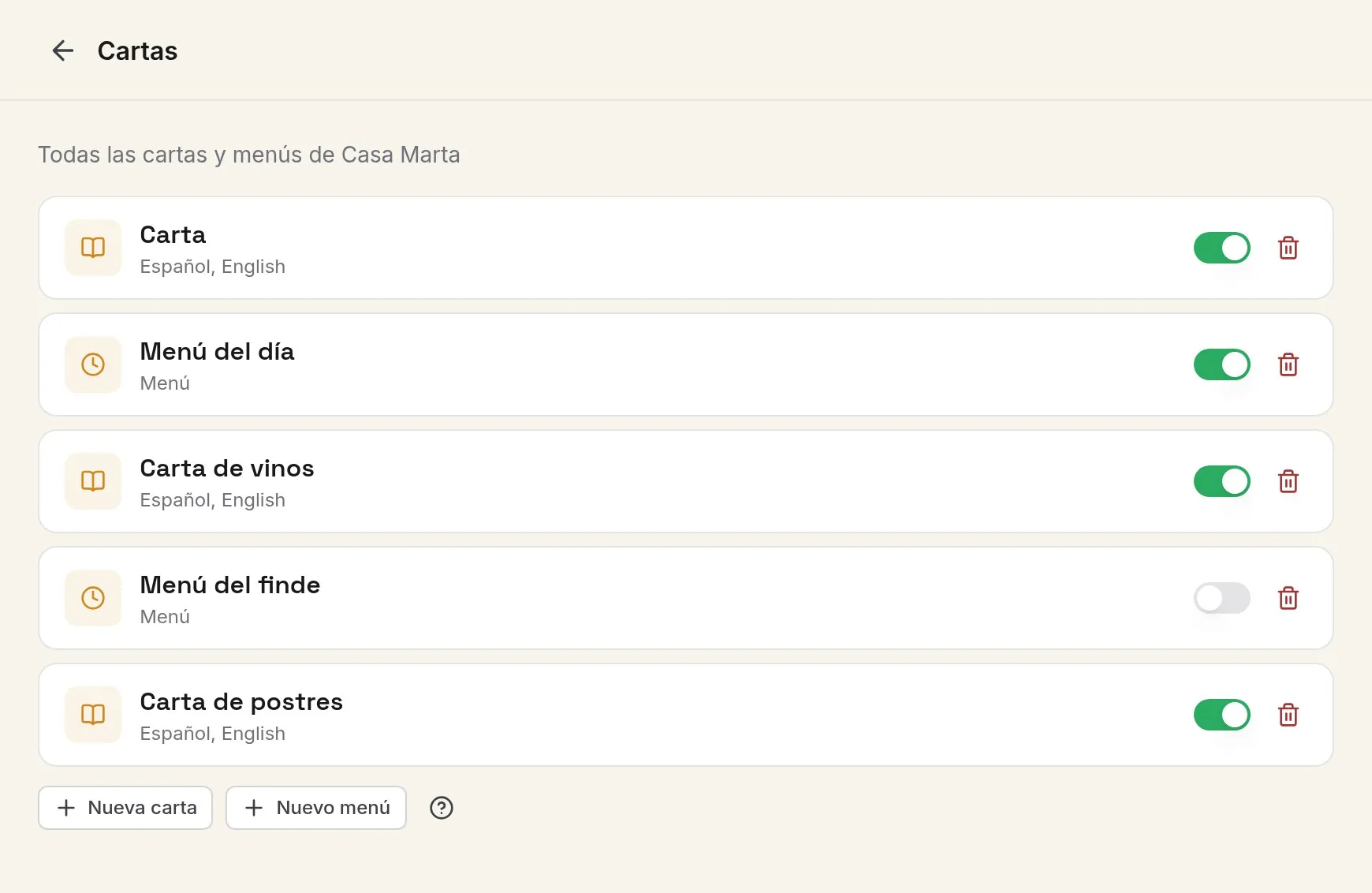
On the PRO plan, each wedding or event can be its own venue, with its own address and its QR code, and you have them all together in the same account. You duplicate the menu of the last event, change what you need and switch it on.
Allergens
Every guest, with their own
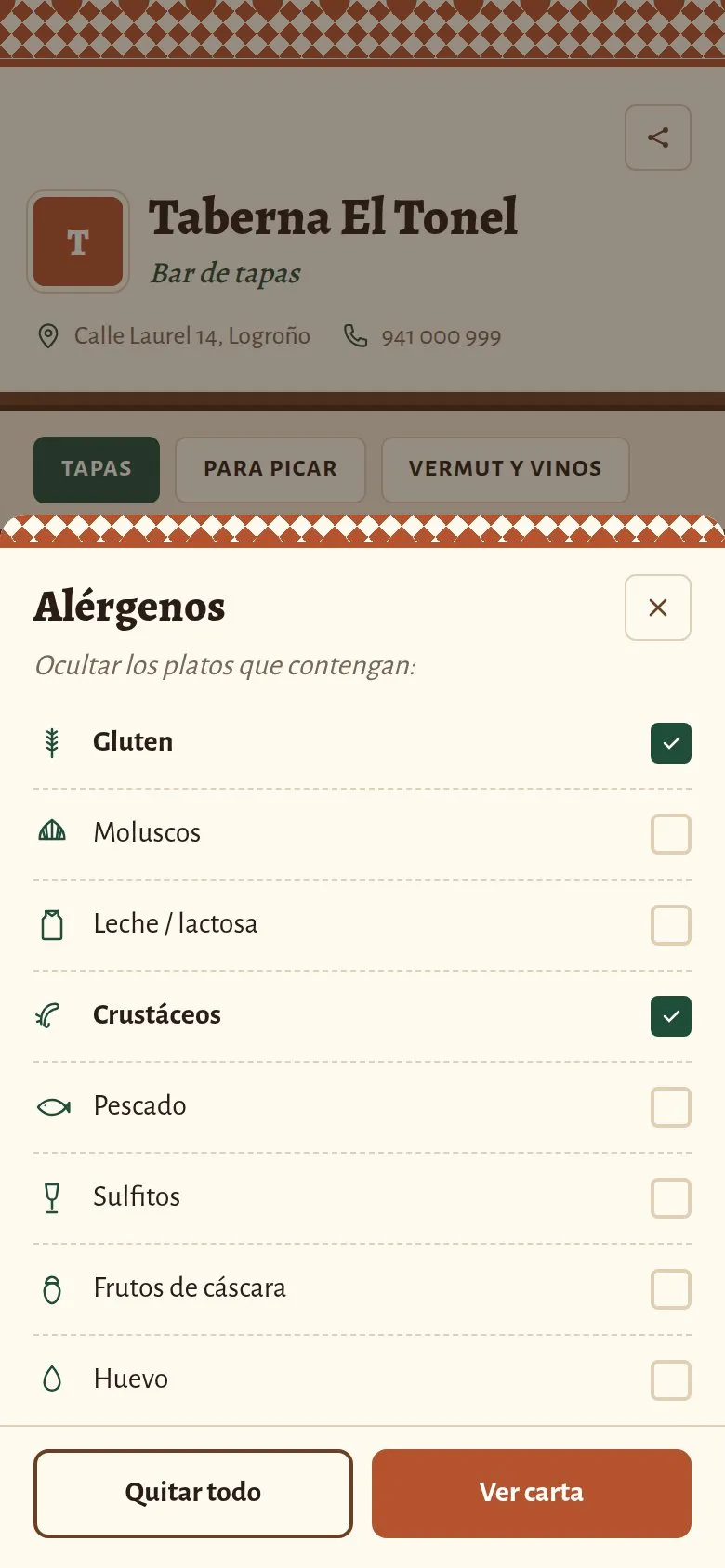
At an event there are coeliacs, people allergic to nuts and vegetarians at the same table. Each dish lists its allergens, and each guest filters the menu by what they can't eat, without alerting the room.
Before they visit
Whoever hires you compares menus on their phone
Anyone looking for a caterer or a venue for a wedding looks at sample menus first. With an address of its own for your menus, linked from your website or your Instagram, you show what you serve before the first meeting.
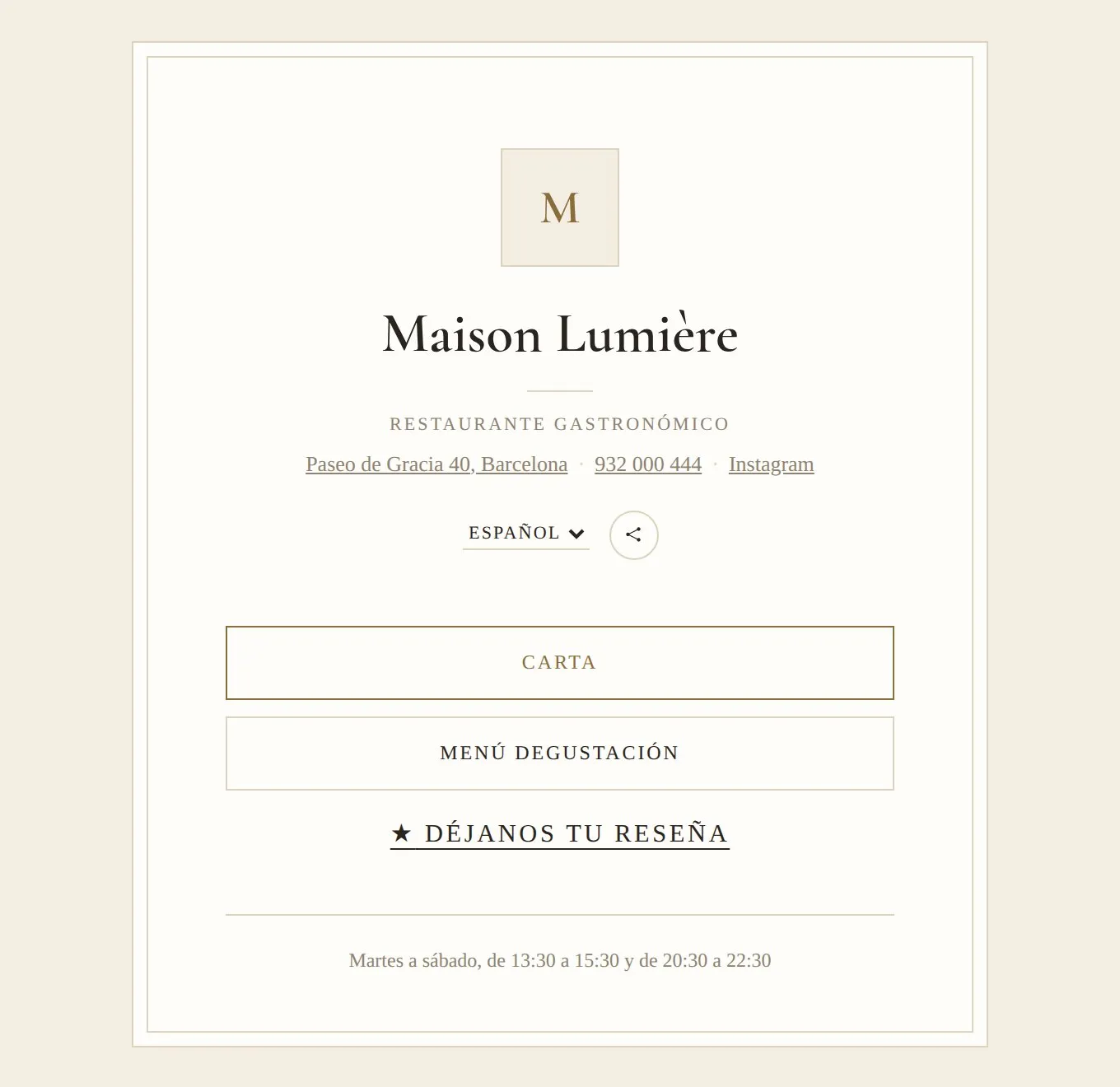
Designs for an event
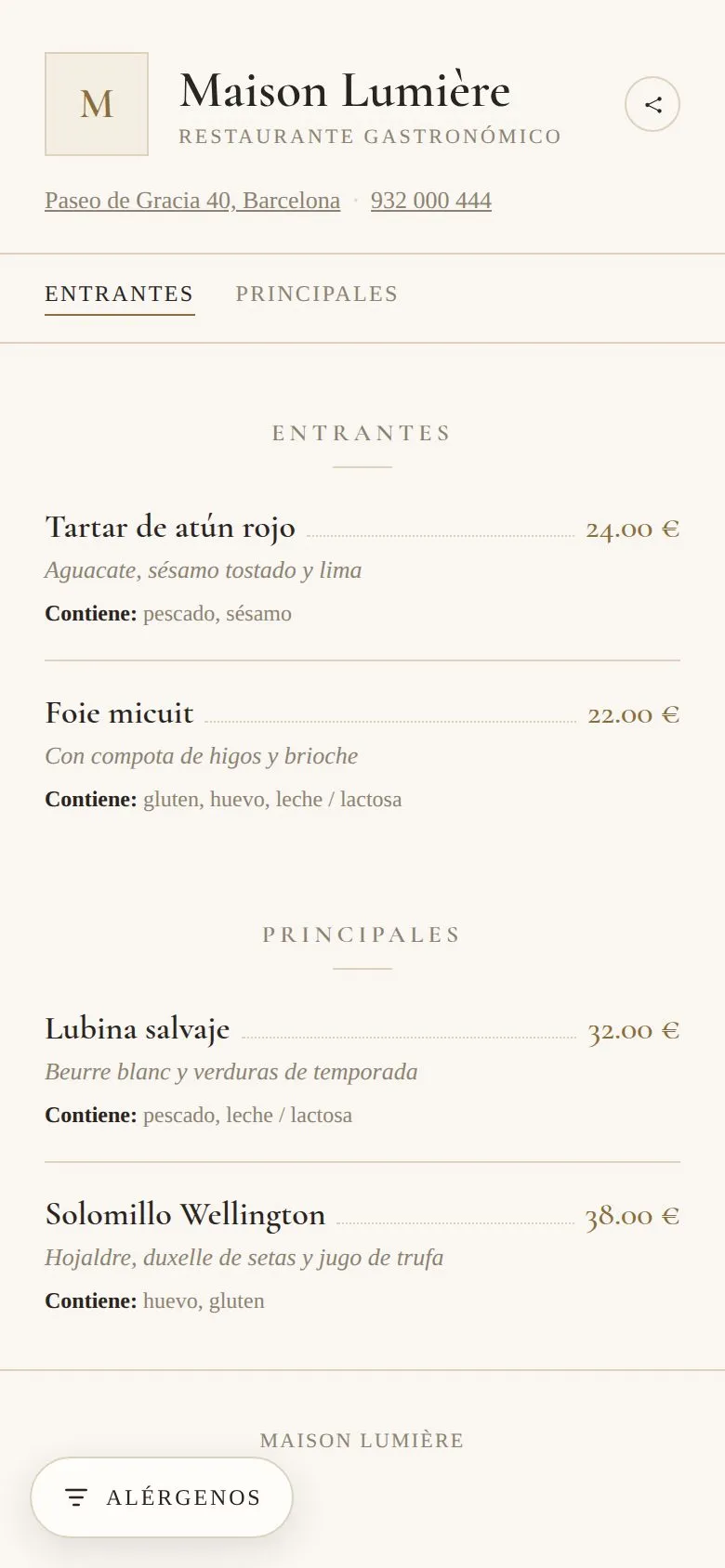
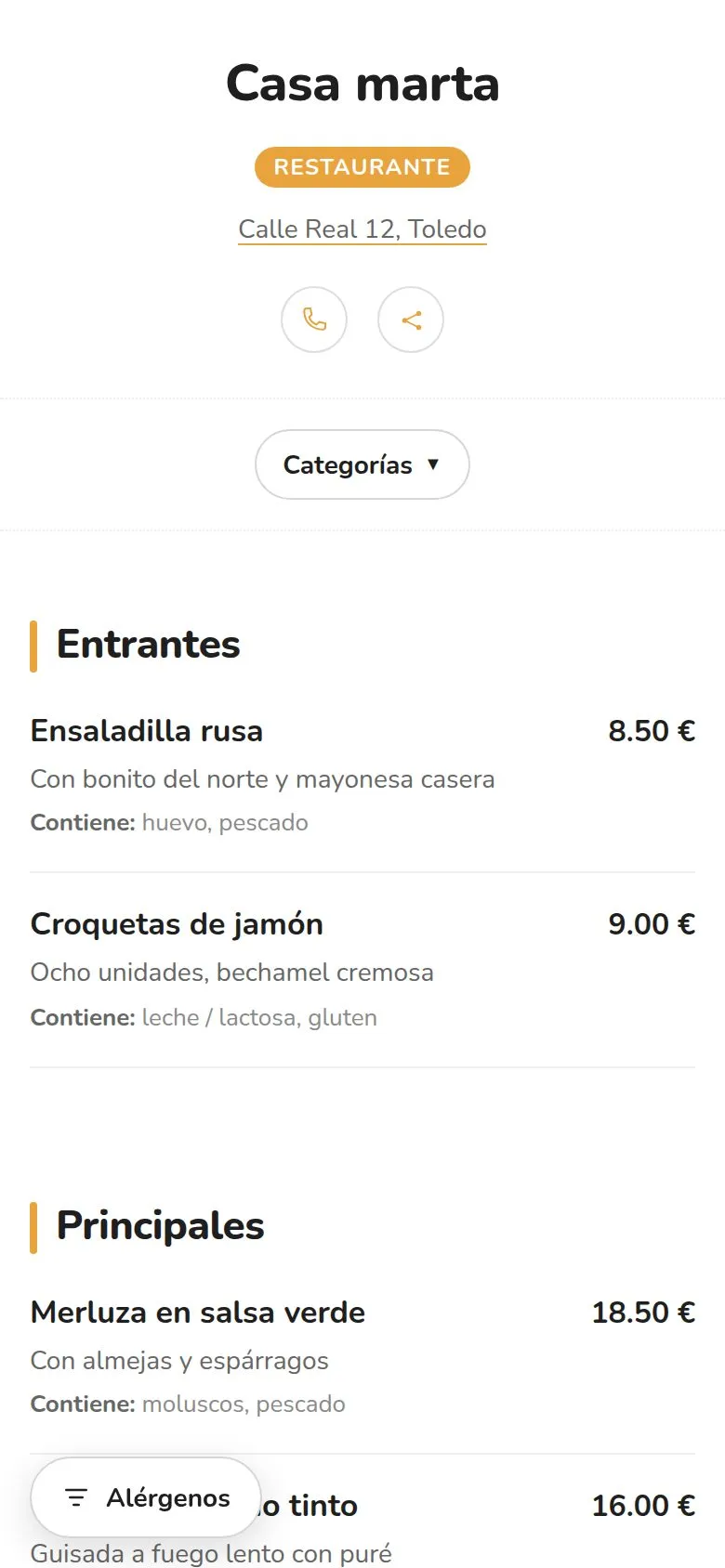
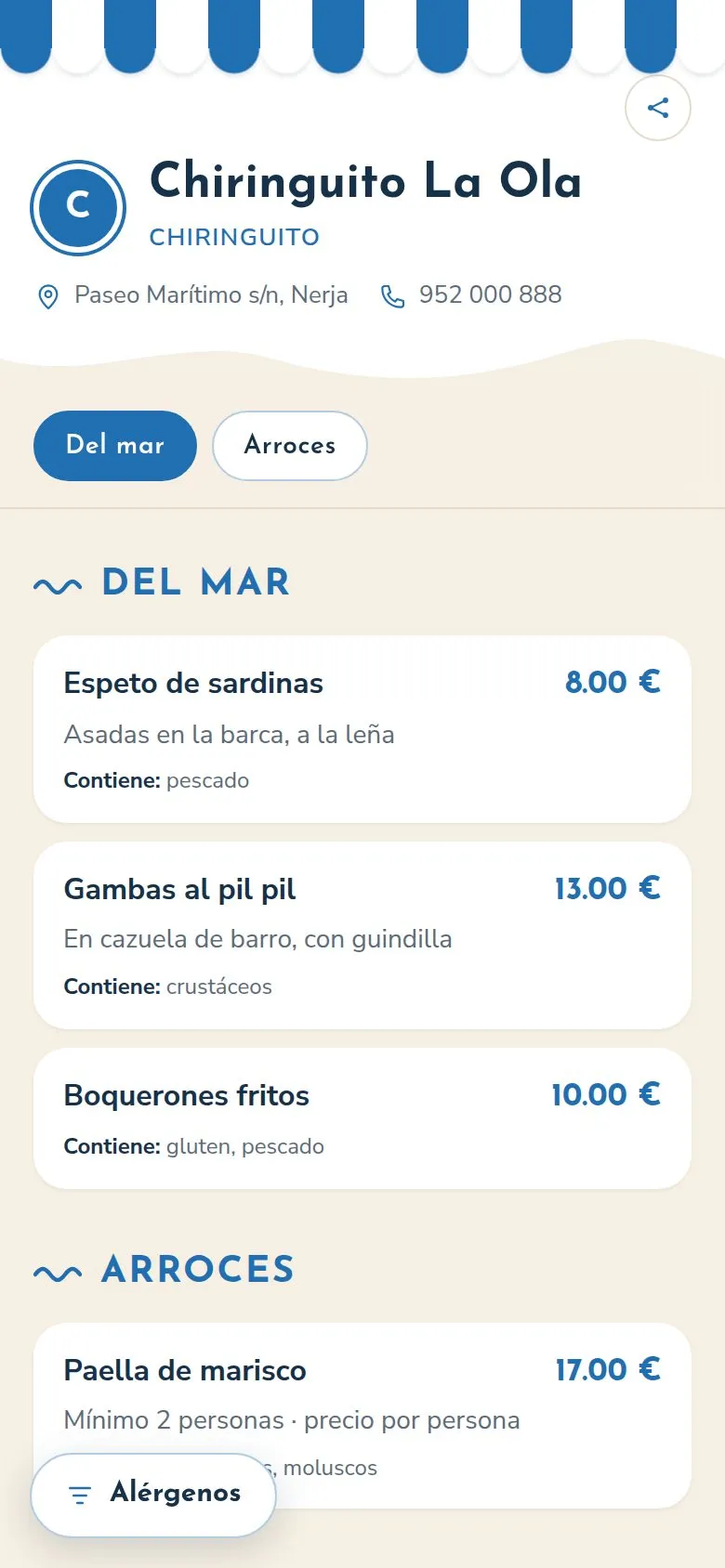
No time? We'll do it for you
We set up your menu
Send us your menu on paper, as a PDF or as photos and we load it for you, with your account ready to publish.
More information about we set up your menuCustom design
An exclusive template, a full website or a QR card in your own style.
More information about custom designYour QR, printed and at your venue
Stickers, table cards and made-to-measure stands with your design, delivered to your venue.
More information about your qr, printed and at your venueFrequently asked questions
Can I have a different menu for each event?
Yes. On the PRO plan each event can be its own venue, with its address and its QR code: you duplicate the last menu and change what you need.
Do guests have to install anything?
No. They open the link from the invitation or scan the QR code with their camera and see the menu in the browser.
How do I announce a last-minute change?
You change it in the menu and anyone who opens it sees it immediately. The link and the QR code don't change, so there's nothing new to send.
Who can see my event's menu?
Anyone with the address. It isn't a private area, so don't put guests' personal details in it.
Does it manage guests, tables or quotes?
No. It's the event's menu, to read and consult; organising and booking carry on being managed as they are now.
What your menu does for you
Your event's menu, on every phone
Prepare the next one in an afternoon and share the link with the invitation.
Free forever, no card needed