
Menu in several languages
Your menu in each customer's language
A tourist opens your menu and reads it in their own language, without doing anything. AI drafts the translation and you check it before publishing.
Free forever, no card needed
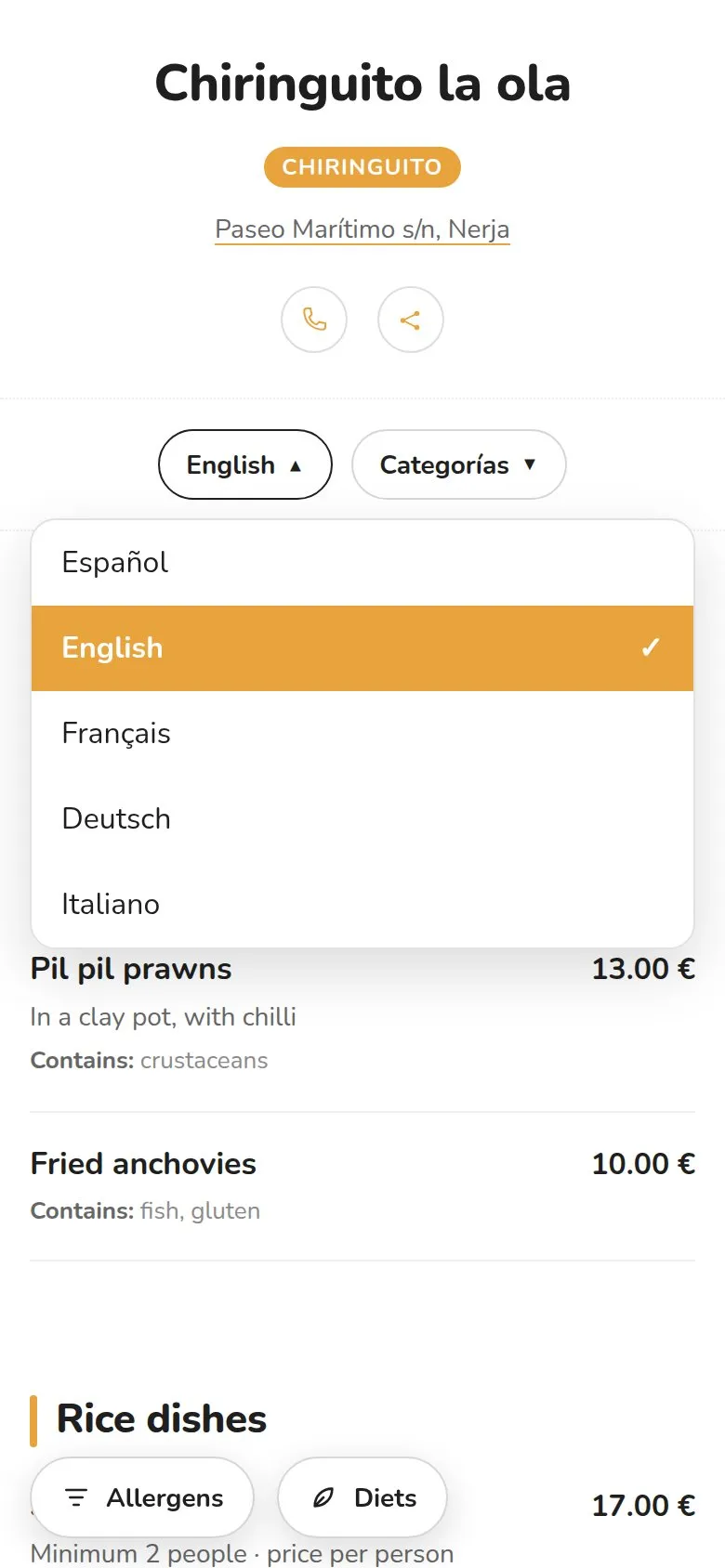
Tourists who can't understand the menu
And someone on your team translating dish by dish out loud, with a packed bar. Or a printed English menu that no longer matches today's.
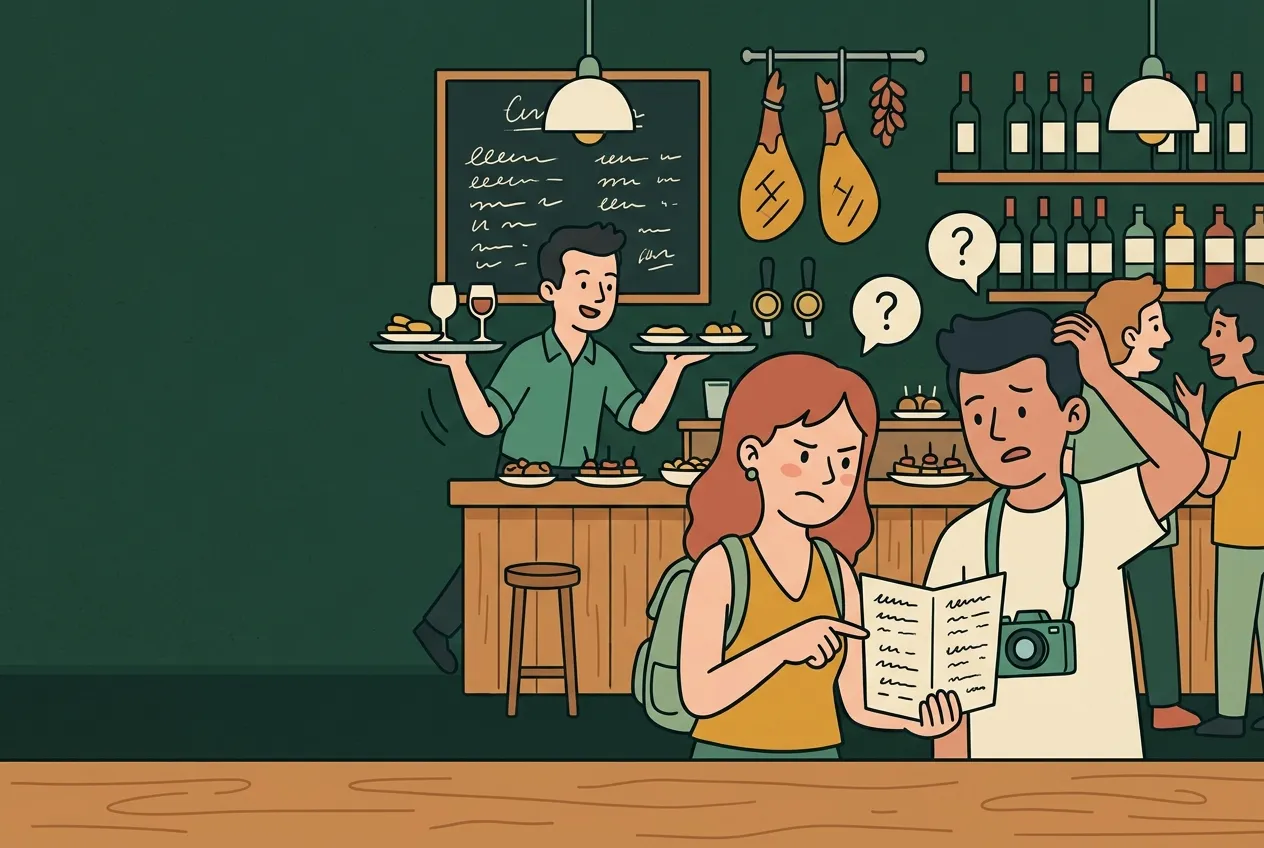
The same menu, in five languages
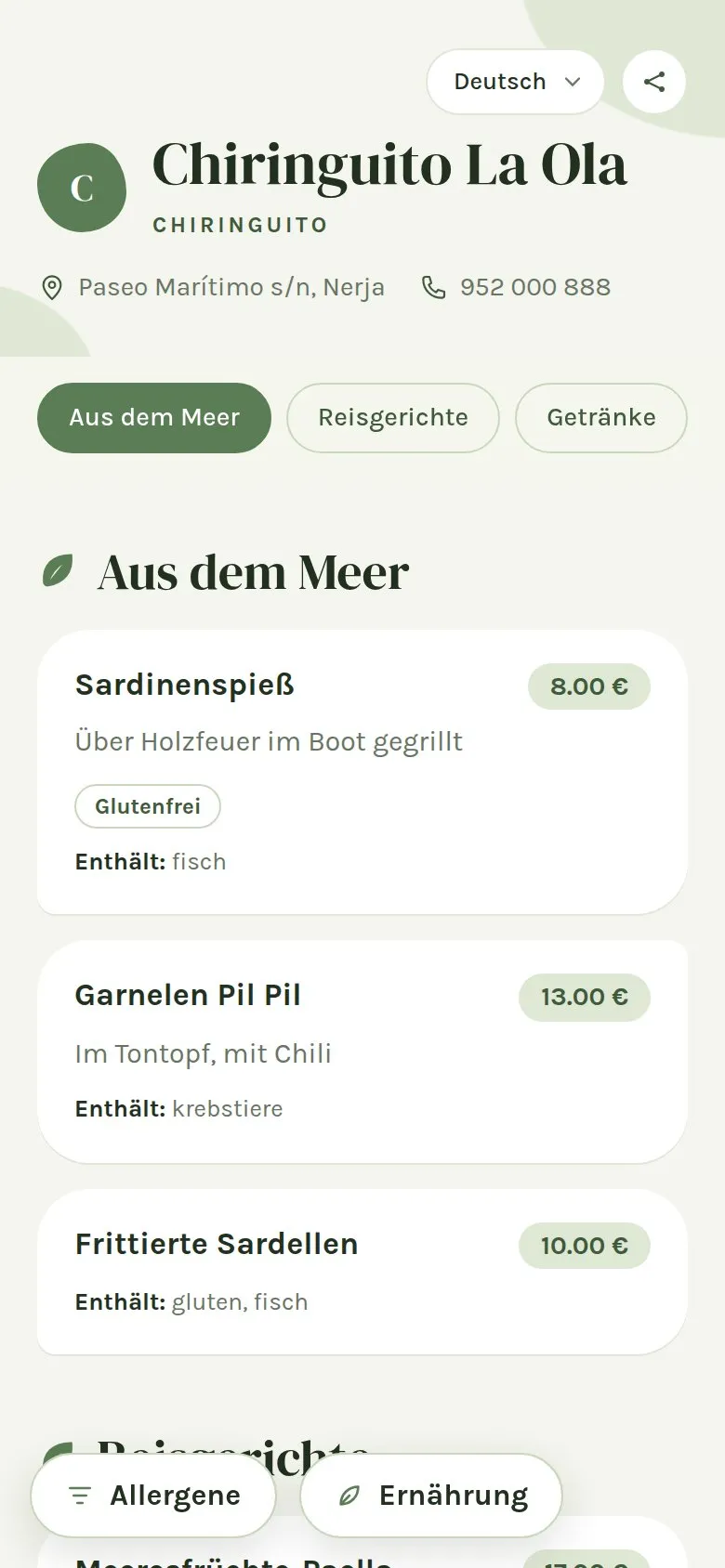
Dishes, categories, descriptions and allergens change language. Prices and sold-out items are the same in all of them.
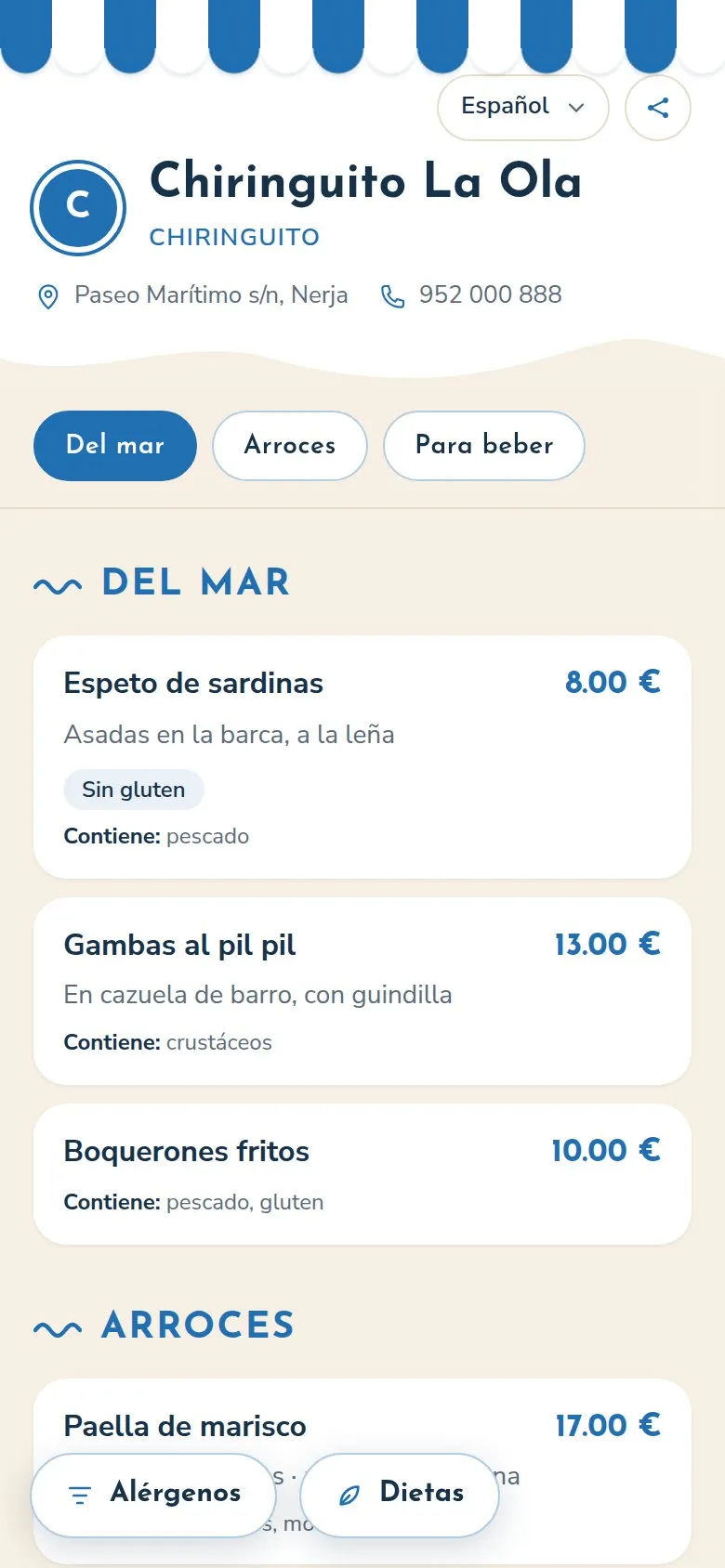
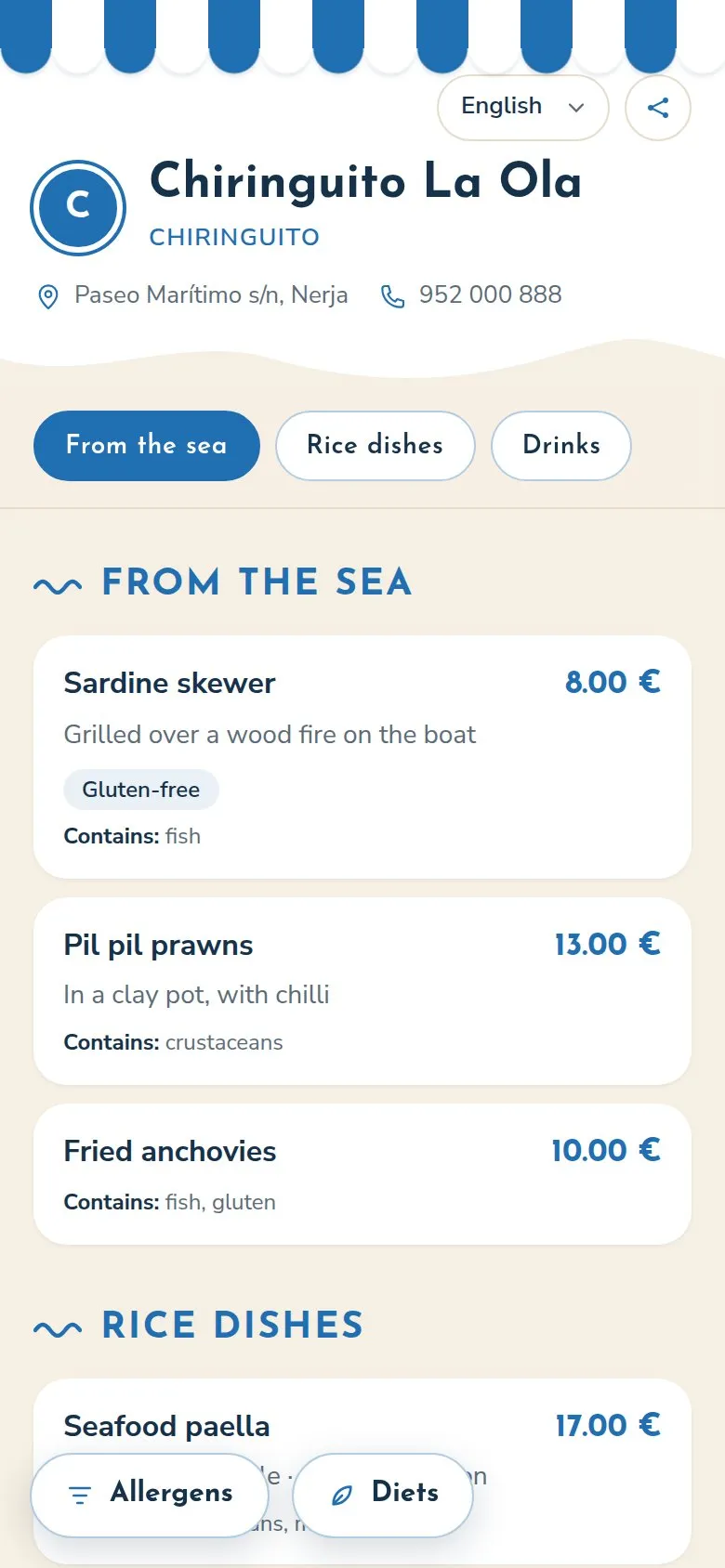
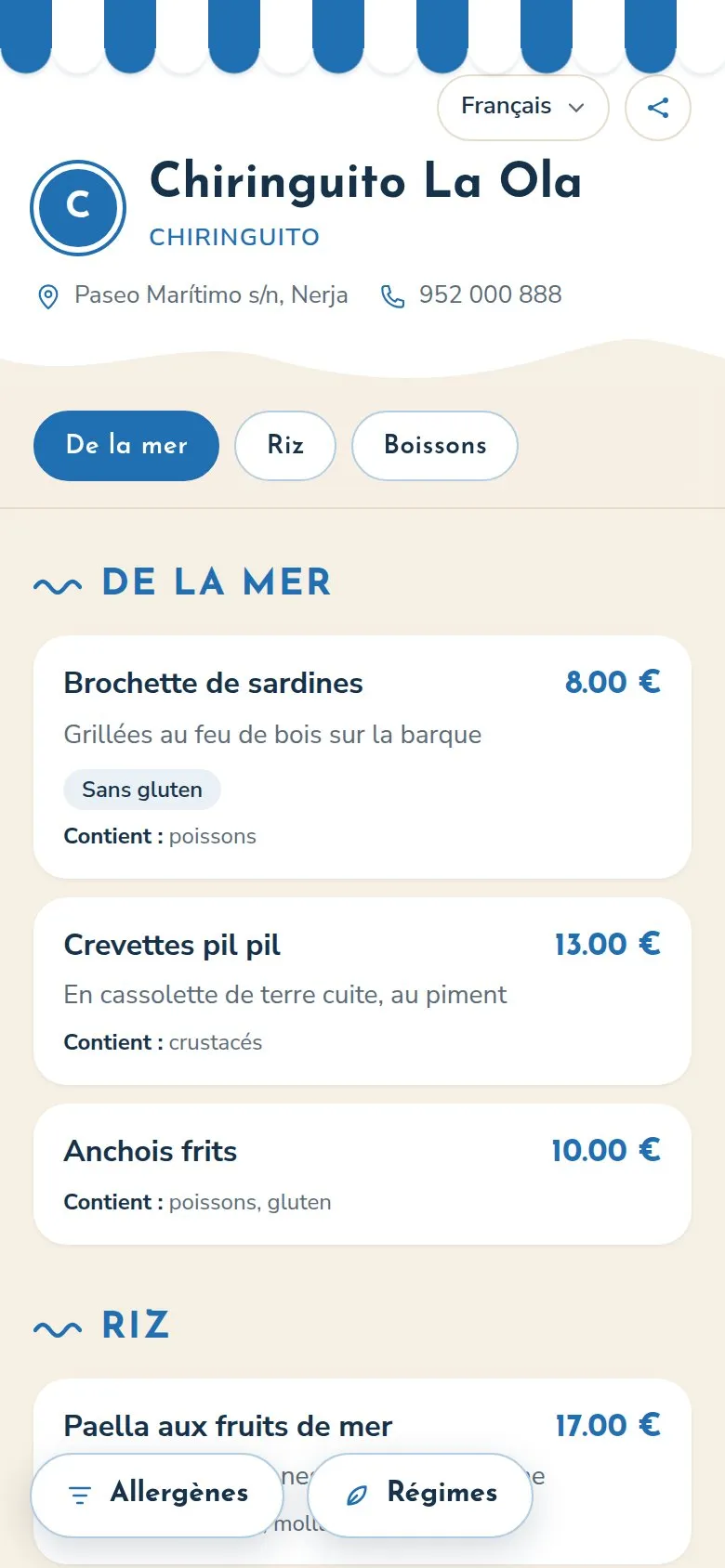
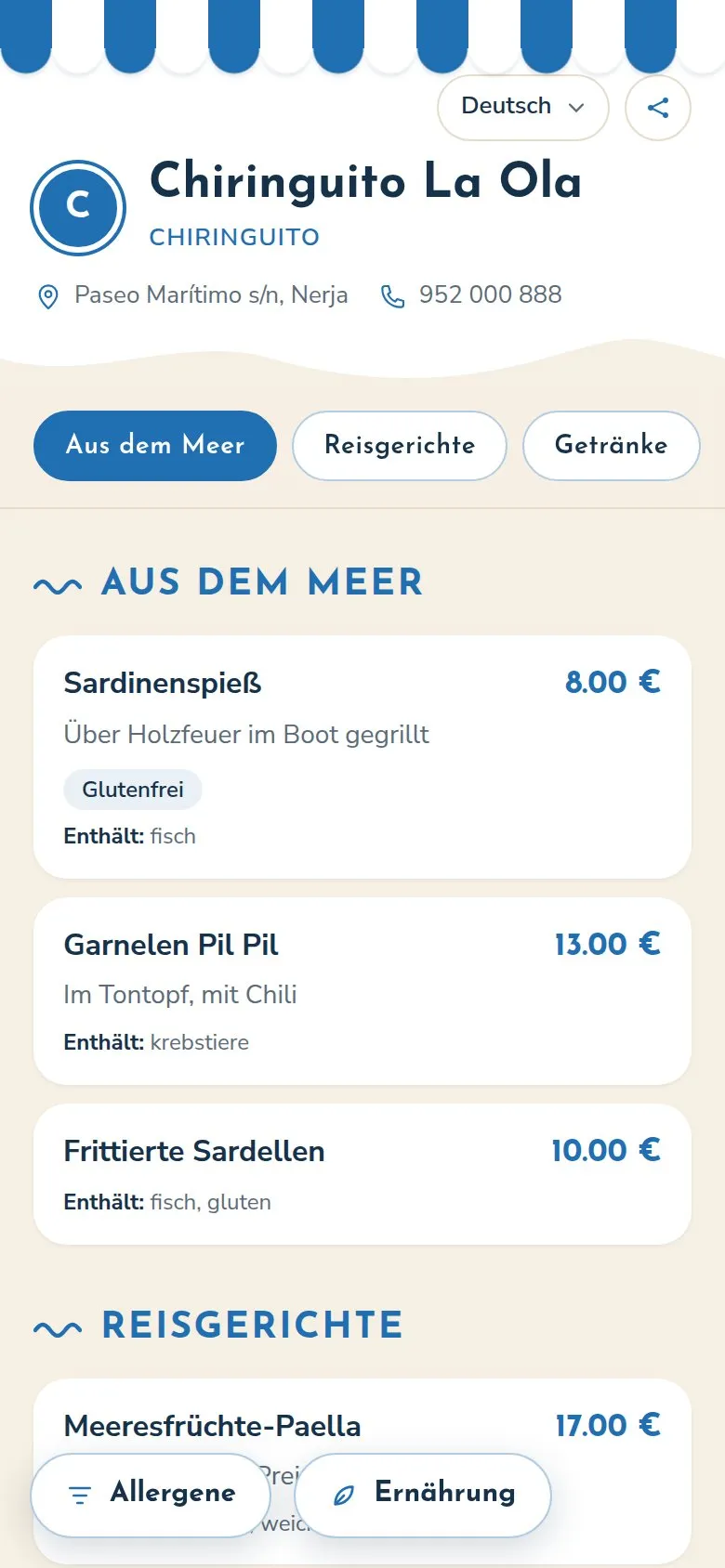
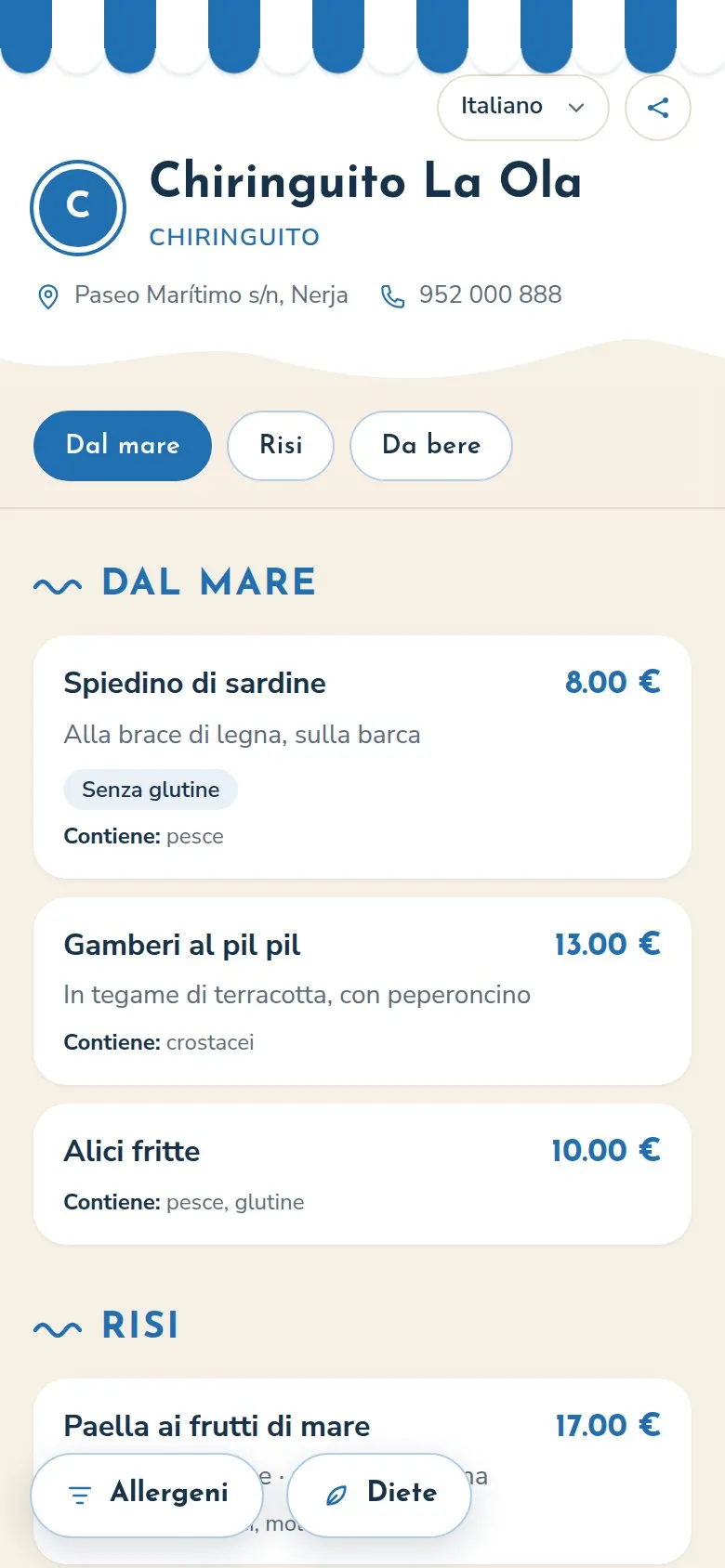
It opens in the phone's language
Your customer doesn't have to look for anything. The menu opens in their phone's language if your menu has it, and if they prefer another they change it with the selector.
The menu's own texts (buttons, filters, "Contains:") also change in the most common languages; in the rest they appear in English.
In your dashboard
Translate your menu in three steps
Step 1: Add the language
Choose the languages you want to offer on your menu.
Step 2: Generate the draft
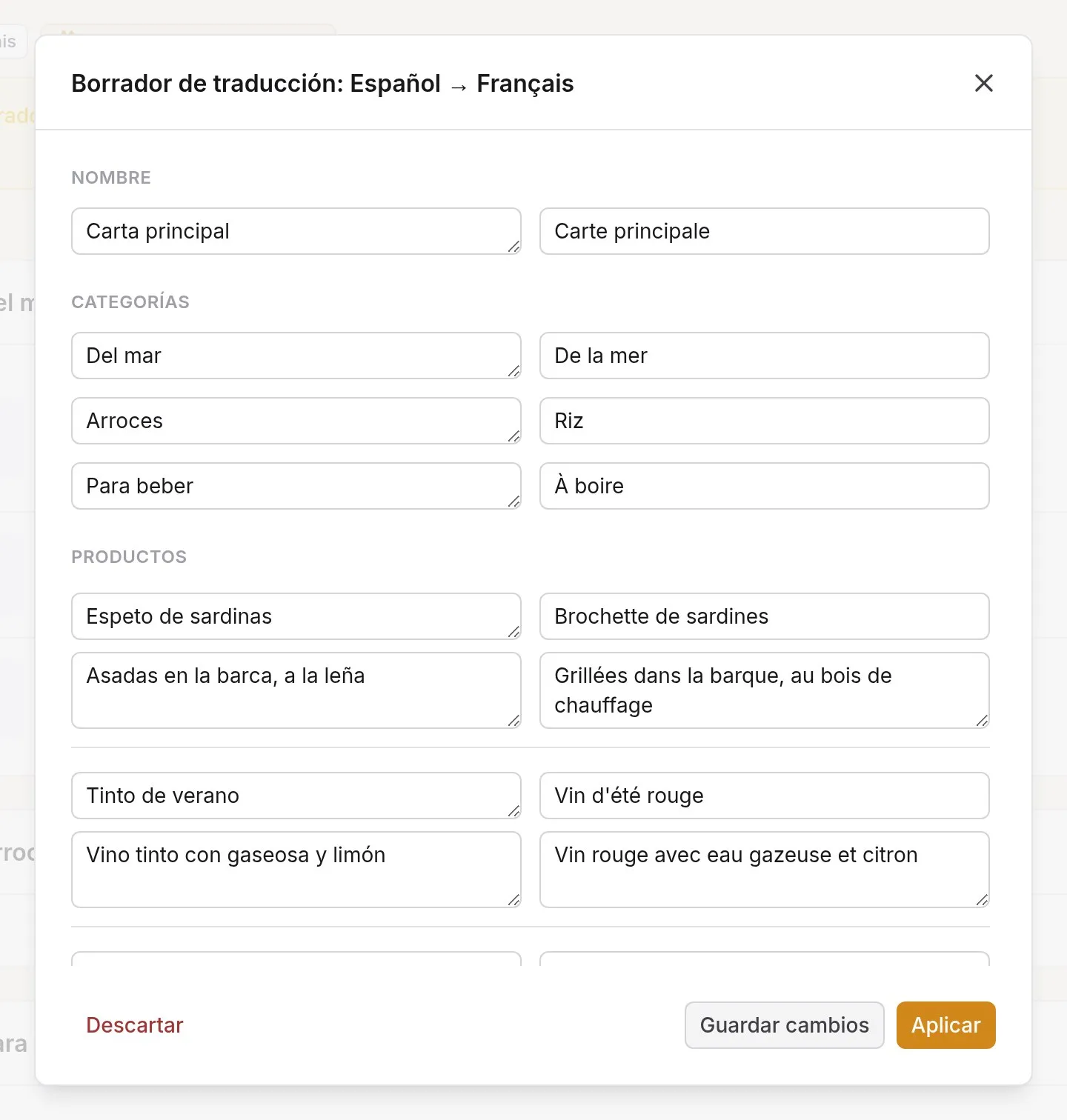
AI translates dishes, categories and descriptions in one go.
Step 3: Check and publish
Correct whatever you like and apply it. Until then, nothing changes.
28 languages
The 24 official languages of the European Union, plus Catalan, Valencian, Galician and Basque.
- Spanish
- English
- French
- German
- Italian
- Portuguese
- Dutch
- Catalan
- Valencian
- Galician
- Basque
- Polish
- Swedish
- Danish
- Finnish
- Greek
- Romanian
- Czech
- Hungarian
- Bulgarian
- Croatian
- Slovak
- Slovenian
- Estonian
- Latvian
- Lithuanian
- Maltese
- Irish
Frequently asked questions
How do I translate my menu?
Add the language to your menu and press "Generate with AI": a draft is created with all the dishes, categories and descriptions translated. You check it, change whatever you like and apply it. You can also write the translation by hand.
Does the translation publish itself?
No. AI only prepares a draft; nothing changes on your public menu until you approve it. That way a typical dish name doesn't end up translated word for word.
In which language does my customer see the menu?
In their phone's language, if your menu has it. If not, in your menu's main language. They can always change it with the language selector.
How many languages can I have?
Up to 28 with the PRO plan: the 24 official languages of the European Union plus Catalan, Valencian, Galician and Basque. The Free plan includes 2 languages per menu (the base one and another) and 3 AI translations a month.
More of what your menu can do
Let every customer read your menu in their language
Start with yours and add the others whenever you like.
Free forever, no card needed