Allergens and diets
Allergens and diets, clear and filterable
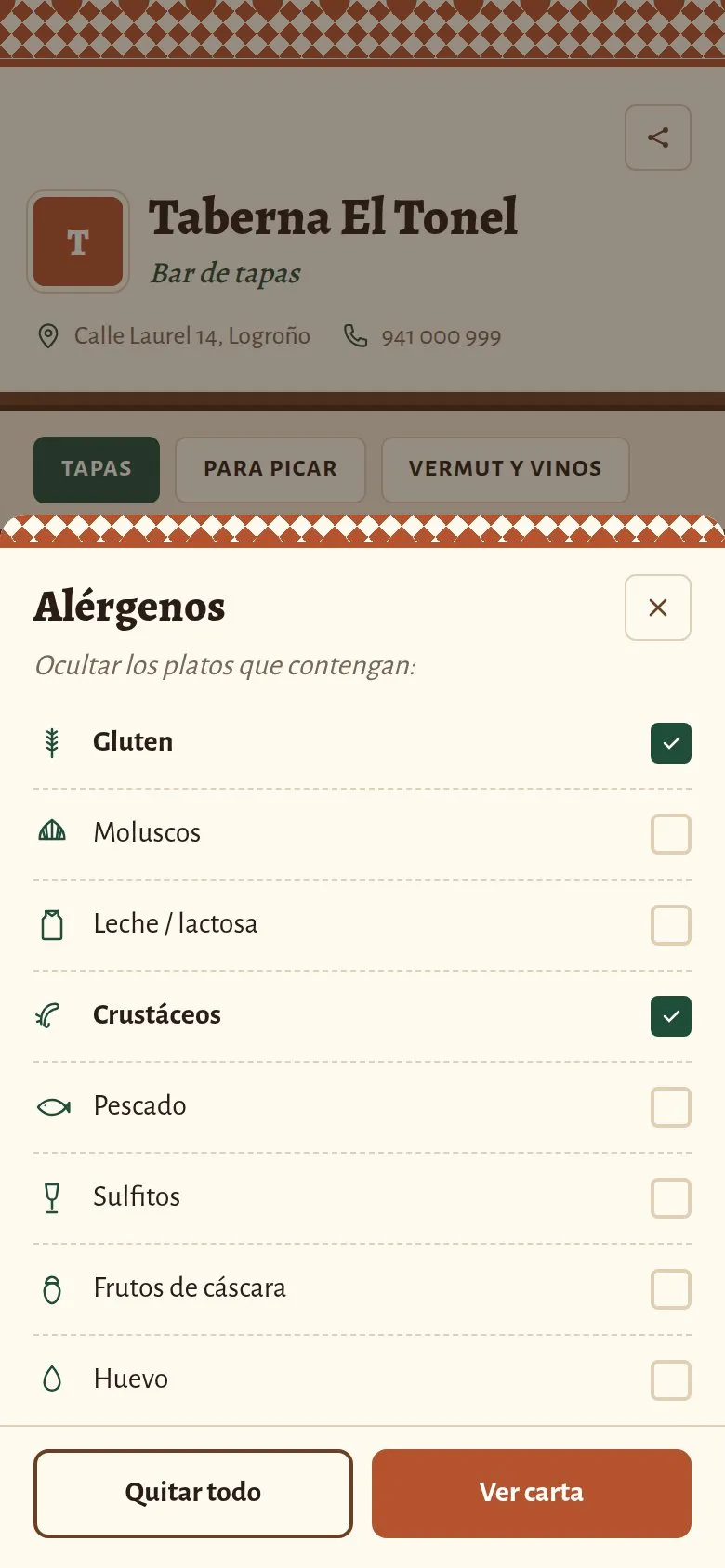
The 14 allergens you must declare on every dish, and a filter so each customer can hide what they can't eat. No separate signs, no asking about every dish.
Free forever, no card needed
What the rules say
The 14 allergens, in writing and before ordering
EU Regulation 1169/2011 requires bars and restaurants to give information on the 14 allergens clearly and accessibly. These are the ones you tick on each dish.
Official Journal of the European Union · L 304 · 22.11.2011
Regulation (EU) No 1169/2011
Annex II · Substances or products causing allergies or intolerances
- 1.Cereals containing gluten
- 2.Crustaceans
- 3.Eggs
- 4.Fish
- 5.Peanuts
- 6.Soybeans
- 7.Milk
- 8.Nuts
- 9.Celery
- 10.Mustard
- 11.Sesame seeds
- 12.Sulphur dioxide and sulphites
- 13.Lupin
- 14.Molluscs
In your dashboard
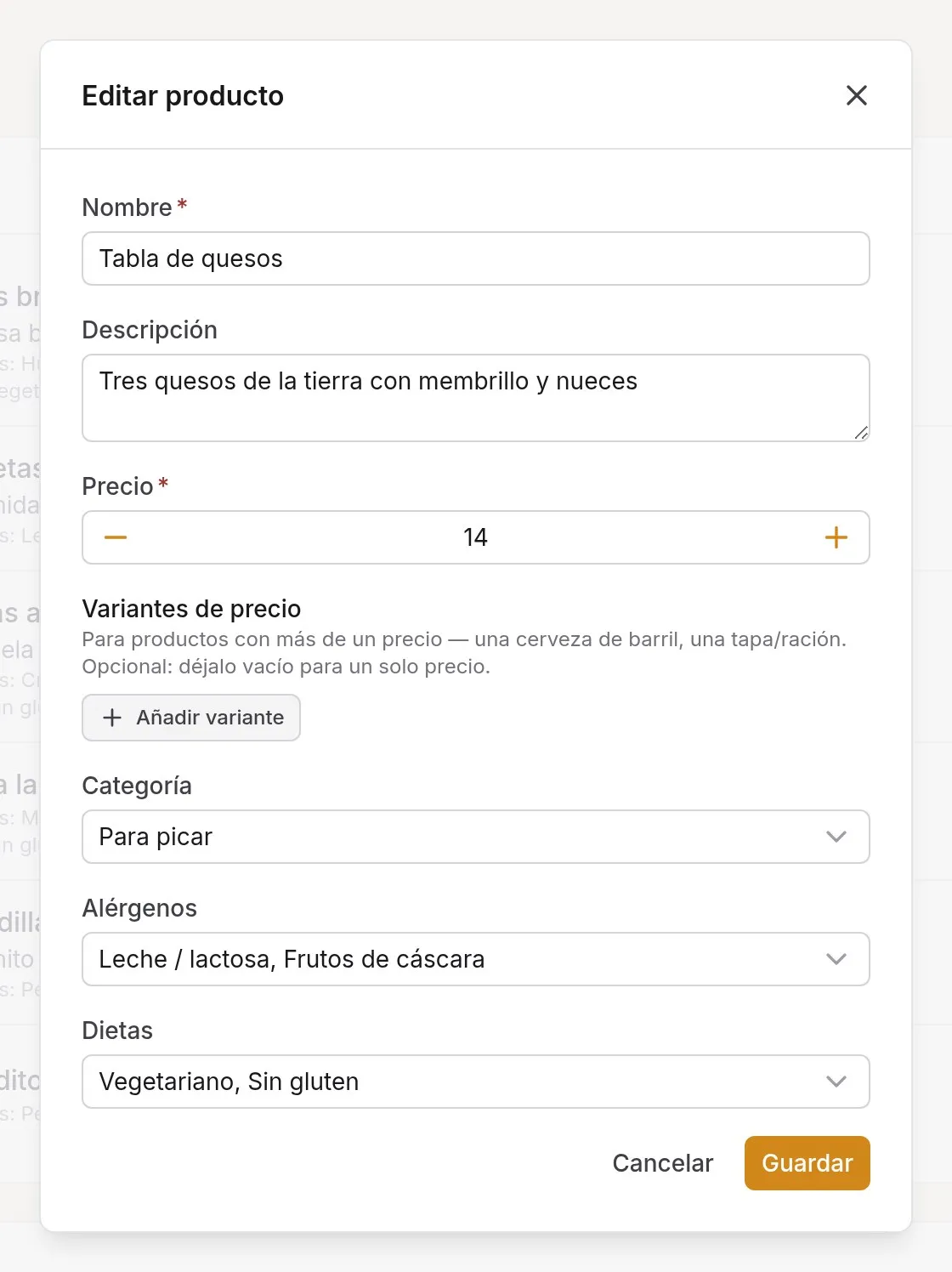
Tick them in one click, when you edit the dish
When you create or edit a dish, you pick its allergens and diets from a list. Nothing to type and no codes to remember.
If you change a recipe, you change the dish and the public menu updates straight away.
On the menu
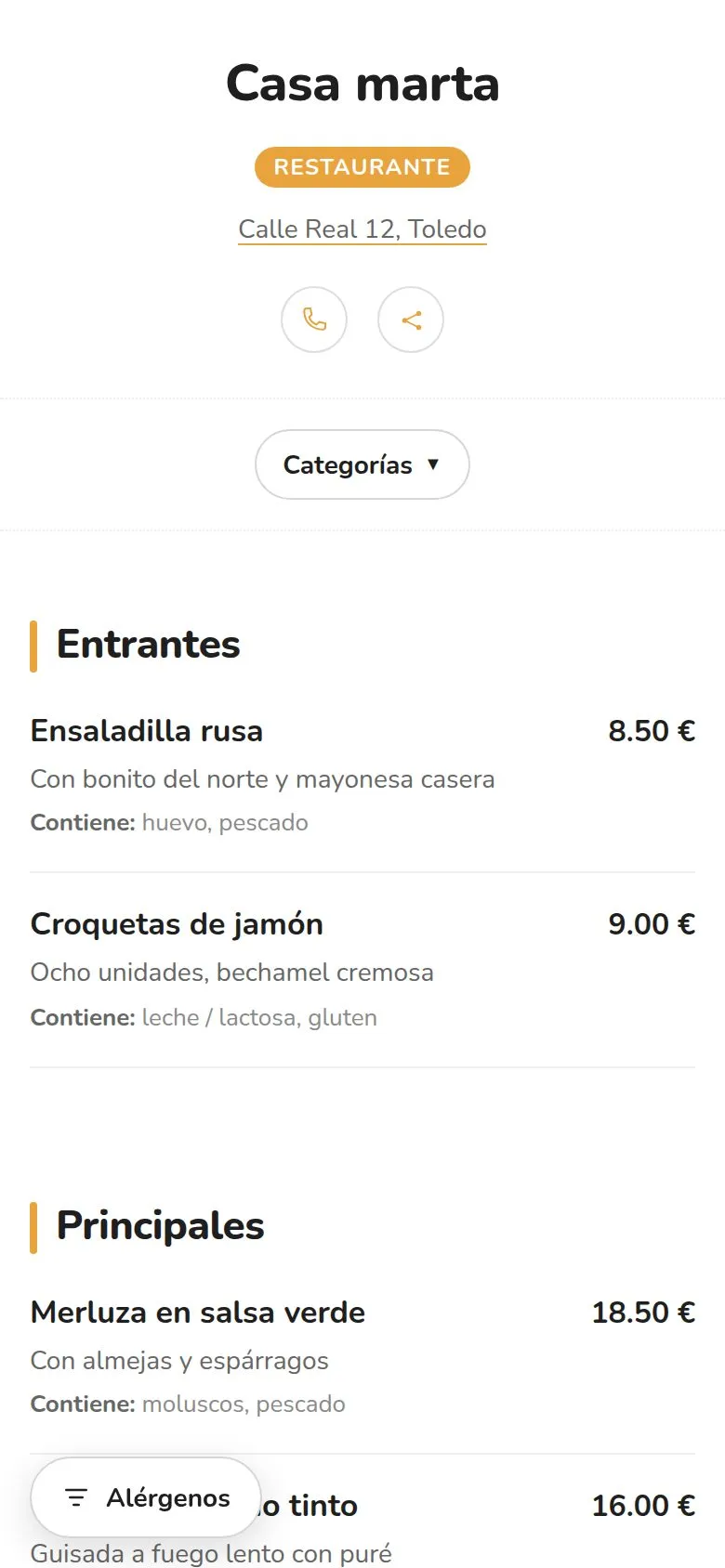
Your customer sees what's in each dish
Each dish shows "Contains: gluten, egg..." in words, not just icons nobody understands, plus its diets.
With the filter, customers hide the dishes with allergens they can't eat, or keep only the ones that fit their diet. The menu adapts instantly.
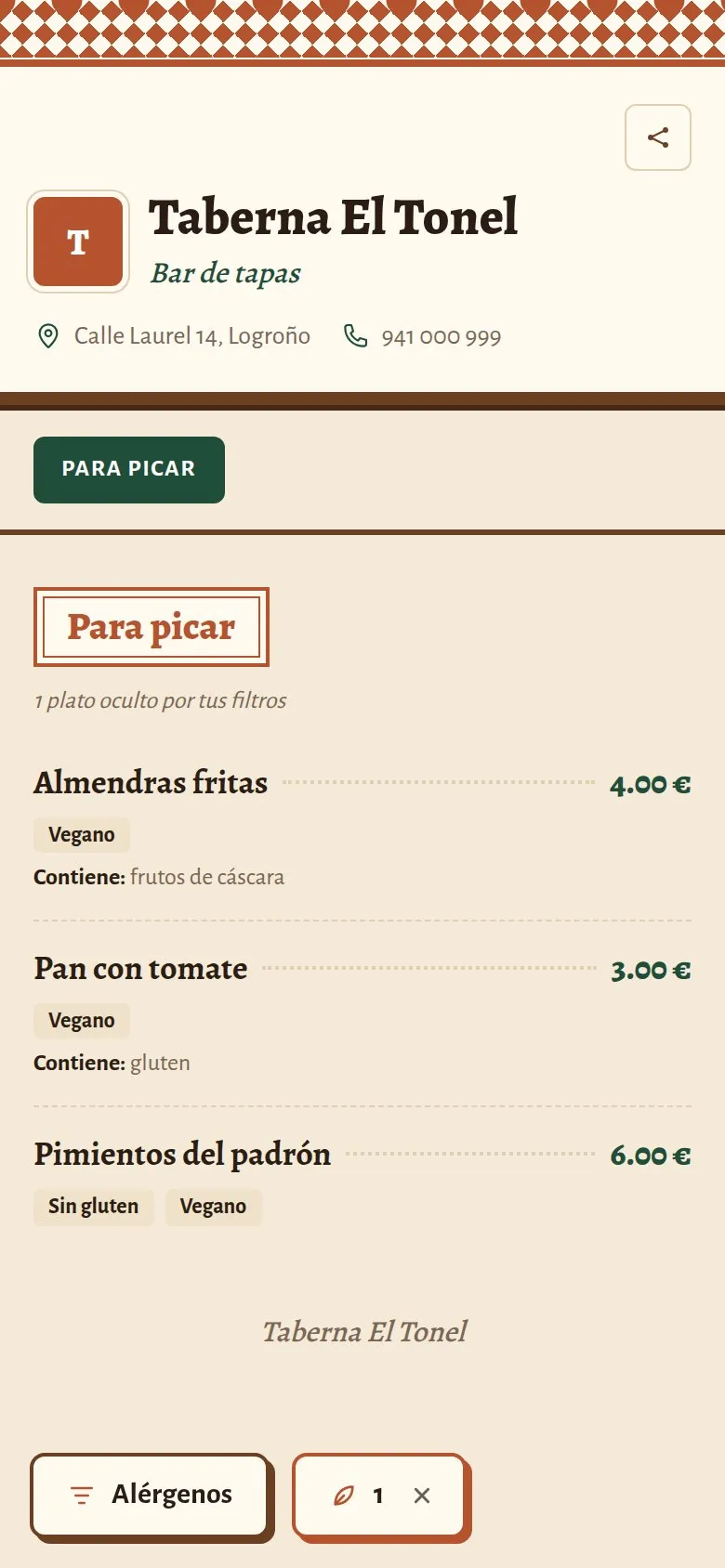
Vegan, vegetarian, gluten-free, lactose-free or halal
Each dish carries its diets, and customers can keep only the dishes that suit theirs.
Allergens and diets are translated into the 28 languages of the menu. A tourist with an allergy understands exactly what you do.
- Vegan
- Vegetarian
- Gluten-free
- Lactose-free
- Halal
Frequently asked questions
How do I make a menu with allergens?
When you create or edit each dish, tick the allergens it contains from the list of the 14 you must declare. The public menu shows them on each dish ("Contains: ...") and lets customers filter by them. No separate sign needed.
What is an allergen menu?
It is a menu that shows, on each dish, which of the 14 allergens it contains, so someone with an allergy or intolerance can choose safely. On a digital menu, they can also hide what they can't eat at a glance.
How should allergens be shown?
EU Regulation 1169/2011 requires you to give information on the 14 allergens in writing and in an accessible way before the customer orders. A digital menu with the allergens of each dish does that job; even so, with a serious allergy, your staff should be able to confirm the ingredients.
Are allergens shown in other languages?
Yes. The names of the allergens and diets are translated into the 28 languages of the menu, and you don't have to do anything.
More of what your menu can do
Your menu, with allergens in order
Set up your menu in an afternoon, or send it to us and we'll load it for you with the allergens you tell us.
Free forever, no card needed